January 7th, 2026
15 Best AI Headshot Generator Apps for 2026
Looking for the best AI headshot generator apps in 2026? We have you covered in this guide.
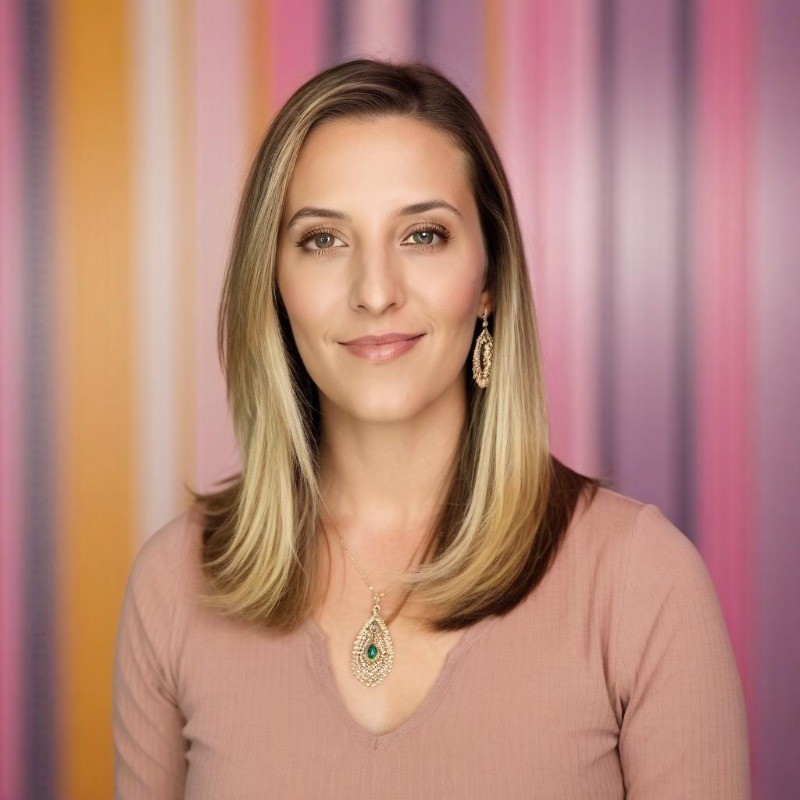
So you're looking for the best ai headshot generator available for your needs. With so many options, how do you decide which to choose? Perhaps you are looking to upgrade your LinkedIn profile picture as you start your new job search. Maybe you are looking to get a cohesive, professional look for your management department. Or, maybe you are just looking to have a bit of fun and generate some interesting pictures of yourself and your friends.
This article will help you break down the various options so that you can choose one that meets your specific needs. With several years of experience in the image generation space, PhotoPacks.AI has a unique perspective on the various tools available and the various motivations that lead individuals to considering using ai headshots.
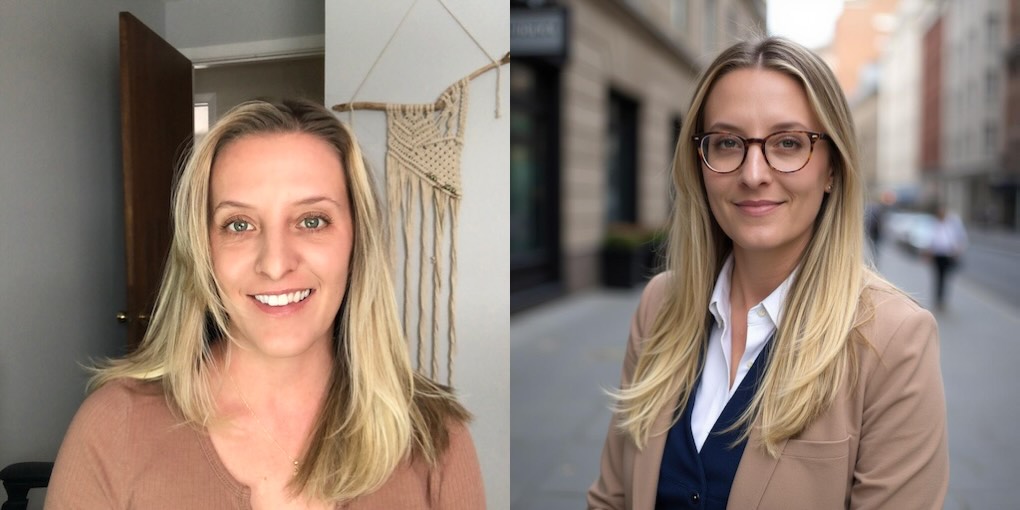
Top AI Headshot Generators at a Glance
- Photo Packs AI: High Quality at a Great Price
- Mimic: Creative Headshots That You Describe
- Headshot Pro: A Popular Headshot Generator
- Better Pic: More Expensive for More Customizability
- Aragon AI: Premium Pricing for LinkedIn-Ready Photos
- Dreamwave: Professional Headshots Fast
- Secta: Generate Headshots and Remix Editing
- Instaheadshots: Premium Pricing and Try Before You Buy
- Fotor: Generalized Image Editing With Headshot Options
- Canva: Basic Headshots With Your Subscription
- AI Suit Up: Great Value Headshots
- Try It On: Headshots in 15 Minutes
- Portrait Pal: A Popular Solution for Headshots
- Proshoot: Realistic Headshots + Powerful AI Editor
- ProPhotos: Fast Turnaround, Middle-of-the-Pack Pricing
1. PhotoPacks.AI: The Best for Speed, Simplicity, Quality, and Value
PhotoPacks.AI is one of the most well-rounded options on the list for professional headshots and photos. It strikes a great balance of delivery speed (less than an hour), simple user experience (register, buy, and upload photos - that's it!), all at an affordable price of $24. This is the most affordable option on this list, yet it delivers quality photos to match even the most expensive options.
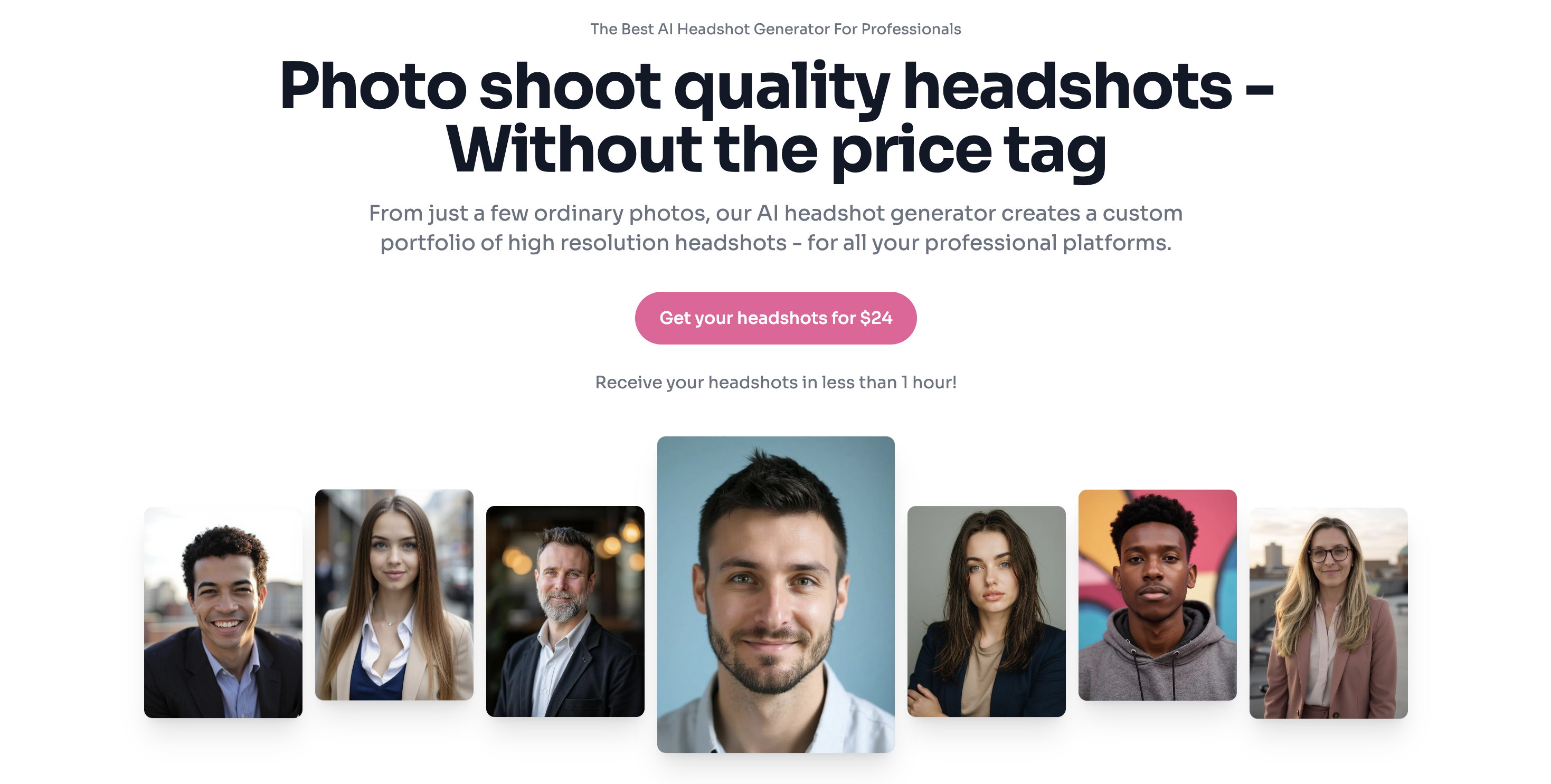
My favorite feature of PhotoPacks.AI is the ease-of-use. Users have only 3 steps to take to get great-looking photos - register, buy a pack of photos, and then upload their photos. It really cannot get simpler. Then in less than 1 hour, dozens of high-quality photos are delivered.
PhotoPacks.AI excels at providing various options and styles for users. For example, you can select from business themed photos, business-casual, casual photos, public speaking photos, and many more. Given the number of options, you're sure to find something that matches exactly what you are looking for.
Another great feature is the teams packages. With this option, you can purchase a set of photos for your entire corporate team. Then, you can invite team members so that they can upload photos at their own convenience, or you can upload photos on behalf of your team members. This is a great way to get a cohesive, professional look for your entire team quickly and at a tiny fraction of the cost of corporate headshots from a traditional photographer.
In short, of all of the options on the list. PhotoPacks.AI provides you with the best bang for your buck.
PhotoPacks.AI Best Features
- Simple Pricing: $24 flat fee for professional photos
- Fast delivery of photos in less than 1 hour
- User Simplicity: Register for an account, purchase a pack of photos, and upload a few photos. It does not get simpler than that!
- Self-service tools for teams: Invite team members or upload photos on their behalf.
- Styles for your needs: Whether you are looking for a business look, casual, public speaking, or something else, PhotoPacks.AI has a style for your needs.
PhotoPacks.AI Pricing
- $24 flat fee
- Teams pricing is $20 per person for 10 or more people
- Teams pricing is $17 per person for 50 or more people
What People Are Saying
Artturi of aiheadshotdude.com, a man that has made a trusted name for himself reviewing AI tools, called PhotoPacks.AI the best affordable AI headshot generator of 2025 in his YouTube review.
An Idaho family was kind enough to share their experience using PhotoPacks.AI to get professional photos of their son in a beautiful news story.
Alex Price said in a review: I am not photogenic and I hate getting my picture taken. That being said, my company wanted updated shots of everybody so I gave them some so AI headshots from photo packs that I generated. It got the job done quick and easy!
2. Mimic: Creative Headshots That You Describe
Mimic.art is an AI image generation platform that starts by having you create a custom model of yourself. From there, you can use text to describe how you would like to see yourself. Possibilities include creative portraits (superhero, vintage film, cinematic, artistic), professional portraits (LinkedIn headshots, profile pictures), or completely custom concepts (painting portraits, abstract art, etc). It's not a headshot-only app; it's a flexible creation tool that can absolutely produce professional-looking headshots if that's what you describe with your prompt text.
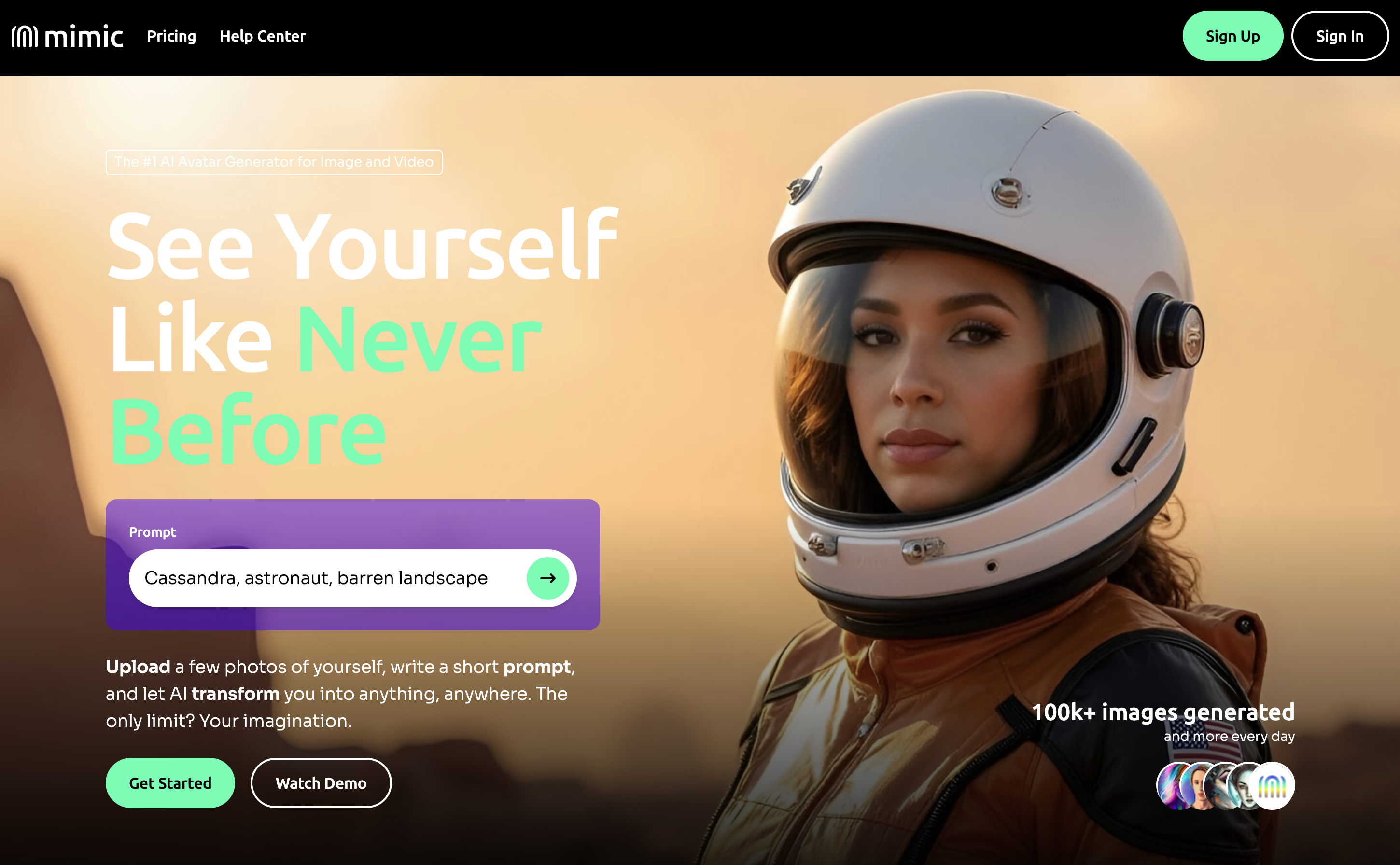
The key difference versus most AI headshot generators is the workflow. Dedicated headshot apps tend to be preset-driven (pick outfits/backgrounds → generate). Mimic starts by asking users to upload photos so that it can create an AI model. Once the model is created, it puts you in control: you write the prompt, choose the direction, and iterate. That's powerful if you want a very specific look or you want more than corporate headshots — but it also means you'll get the best results when you're willing to experiment a bit.
For creative users, that flexibility is the entire point: you can generate everything from classic studio headshots to stylized concepts like retro yearbook photos, high-fashion editorials, fantasy/superhero themes, or cinematic portraits — all while keeping the same subject identity consistent across generations.
And if your goal is professional images, Mimic can do that too — you'll just approach it differently. Rather than selecting "Business Headshot Pack", you prompt for things like neutral backdrops, natural lighting, realistic skin texture, conservative wardrobe, and corporate framing. With good prompting, the results can be excellent and highly tailored to your industry and vibe.
Bottom line: Mimic is best for people who want creative freedom and don't mind prompting to steer the model. If you want a fully guided "click a style and you're done" experience, a dedicated AI headshot generator will feel simpler — but if you want headshots andunlimited creative control, Mimic is in a category of its own.
Mimic Best Features
- Complete control: you describe what you want to generate
- Creative outputs: generate yourself as a superhero, cowboy, android, etc.
- Professional headshots: having control of the text prompts means you can generate professional headshots as well
- Video: Add movement to the photos that you generate using AI video generation models
Mimic Pricing
- $24 one time fee - 75 credits for generating images
- $20 Basic monthly subscription - 130 credits per month
- $35 Pro monthly subscription - 250 credits per month
- $70 Studio monthly subscription - 600 credits per month
3. Headshot Pro: A Popular Headshot Generator
HeadshotPro is one of the most established AI headshot generators, and it's especially strong if you want a "classic" professional look with lots of options for outfits and backdrops. It strikes a middle-ground in pricing between the other options in this article, and in return you get a polished workflow, quick turnaround options, and a large catalog of styles to help you land a truly LinkedIn-ready shot.
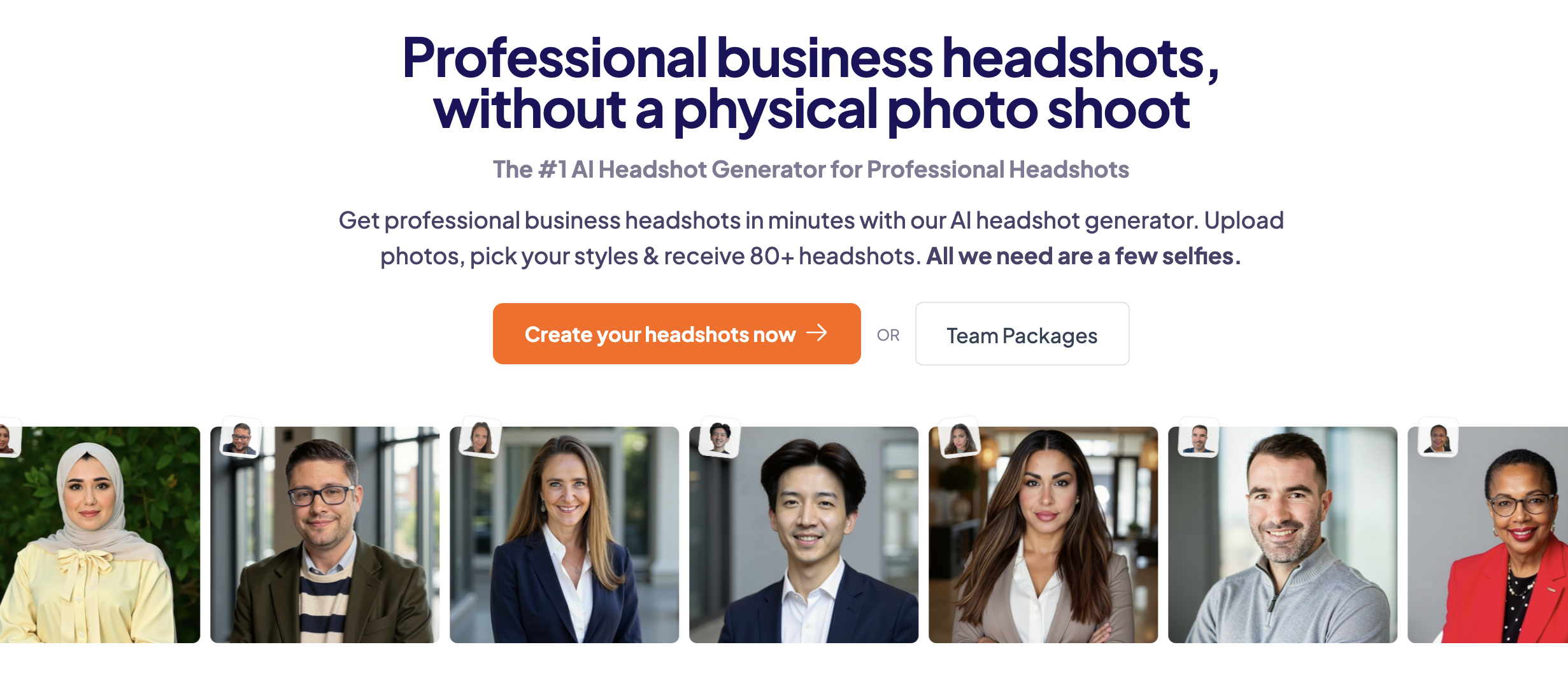
Where HeadshotPro shines is customization without complexity. Instead of prompting your way to a good result, you pick the vibe of your shoot by selecting backdrop + outfit combinations, and the app generates multiple variations for each choice. This makes it easy to explore a few "safe" professional looks (office, neutral studio, bookshelf, etc.) without accidentally drifting into something overly stylized.
It's also a solid option when you care about speed. Their packages scale based on how many headshots and style combinations you want — from a smaller set for quick profile updates, all the way up to larger batches if you want more variety (or you’re picky and want lots of options to choose from).
If you're generating headshots for a team or you just want multiple looks that still feel on-brand, HeadshotPro's format makes that easier. You can keep a consistent backdrop style and professional vibe while still giving each person (or each version of you) enough variation to find a favorite without the set looking like separate headshot sessions for each member.
Bottom line: if you want a proven, mainstream AI headshot experience with strong wardrobe/background control and a very business-forward output, HeadshotPro is an easy recommendation.
Headshot Pro Best Features
- Team consistency: generate a cohesive set of headshots for your whole org using an admin dashboard and a preset, “company-approved” style.
- Branded backgrounds: upload your own backdrops/logos to keep every headshot on-brand and uniform.
- Privacy + usage rights: commercial-use rights included; source photos auto-removed after 7 days and generated images after 30 days (with an option to delete sooner).
Headshot Pro Pricing
- $29 - 40 professional headshots - 4 hour turnaround time
- $39 - 80 professional headshots - 2 hour turnaround time
- $59 - 120 professional headshots - 1 hour turnaround time
What People Are Saying
K.J.M. said in a review: I am completely blown away by the quality, and quantity of the headshots that were generated. I did not like any of the selfies that I took as part of the process. So I was very concerned that I would not receive any photos that I liked. I ended up keeping all but 2! Fantastic service, in record time, and reasonably priced. Not to mention the profile content generators are simply amazing! I highly recommend everyone try HeadshotPro, solid 5 star rating!
Maria Lasso said: The hardest part was finding 15 photos to submit, but it was a lot easier than doing hair and makeup and outfit changes, waiting for the sun to be in the perfect place, and similar challenges of live photography. I was amazed with how fast and accurate the results were for so little effort. And the price was unbeatable. Definitely worth trying.
4. BetterPic: More Expensive for More Customizability
BetterPic is a polished AI headshot generator that focuses on two things: photo-realism and control. You pick from several styles (outfits + backgrounds), upload a small set of photos, and get a batch of studio-style headshots back quickly. The best part of Better Pic is the ability for editing the final photos.
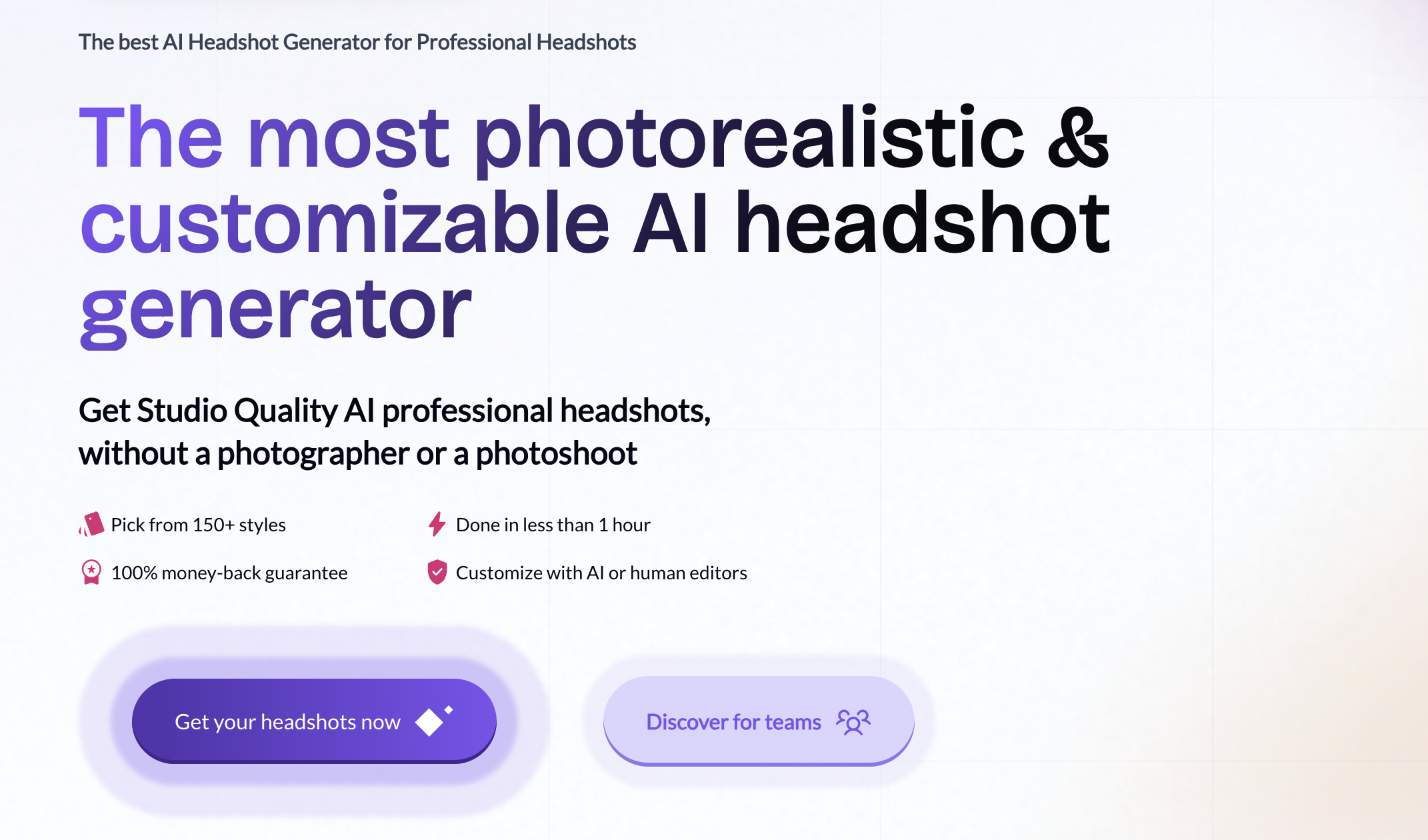
The biggest standout feature is customization after generation. BetterPic positions itself as "not just generate → download app" but generate and then refine: you can adjust things like clothing/background via their AI Studio, and you can also request human/manual edits when you want a more precise fix (those are typically completed in 24–48 hours, and priced separately).
If you're privacy-conscious, BetterPic leans hard into trust: they offer enterprise-grade security, and state they don't sell your data or use your images to train models, with a limited storage window before deletion. They also offer a satisfaction guarantee and redo/refund policies (with terms), which can make it feel lower-risk than some other generators.
Bottom line: BetterPic is a strong pick if you want fast, realistic, corporate-friendly headshots with lots of preset variety - and the option to "fix" your favorites afterward instead of starting over from scratch.
BetterPic Best Features
- AI Studio editing (post-generation): change backgrounds, clothing, expression, pose, and generate new headshots with a few clicks
- Credit-based edits: AI edits are charged in “credits,” with pricing described on the AI Studio page
- Commercial license + refund window: they advertise a commercial license and a 7-day refund policy (terms apply)
BetterPic Pricing
- $35 - 20 professional headshots - 2 hour turnaround time
- $39 - 60 professional headshots - 1.5 hour turnaround time
- $79 - 120 professional headshots - 1 hour turnaround time
What People Are Saying
Artturi of aiheadshotdude.com said in his review: I’ve tested a bunch of these and this one gave the best results, is most customizable, and I’m overall most happy with these headshots.
5. Aragon AI: Premium Pricing for LinkedIn-Ready Photos
Aragon AI is one of the most recognizable "mainstream" AI headshot generators, and it is built for people who want a clean, corporate-ready result without fiddling with prompts. The flow is simple: upload a small set of photos (they say six is enough), pick your attire and backgrounds, and Aragon generates a studio-style batch in less than an hour.
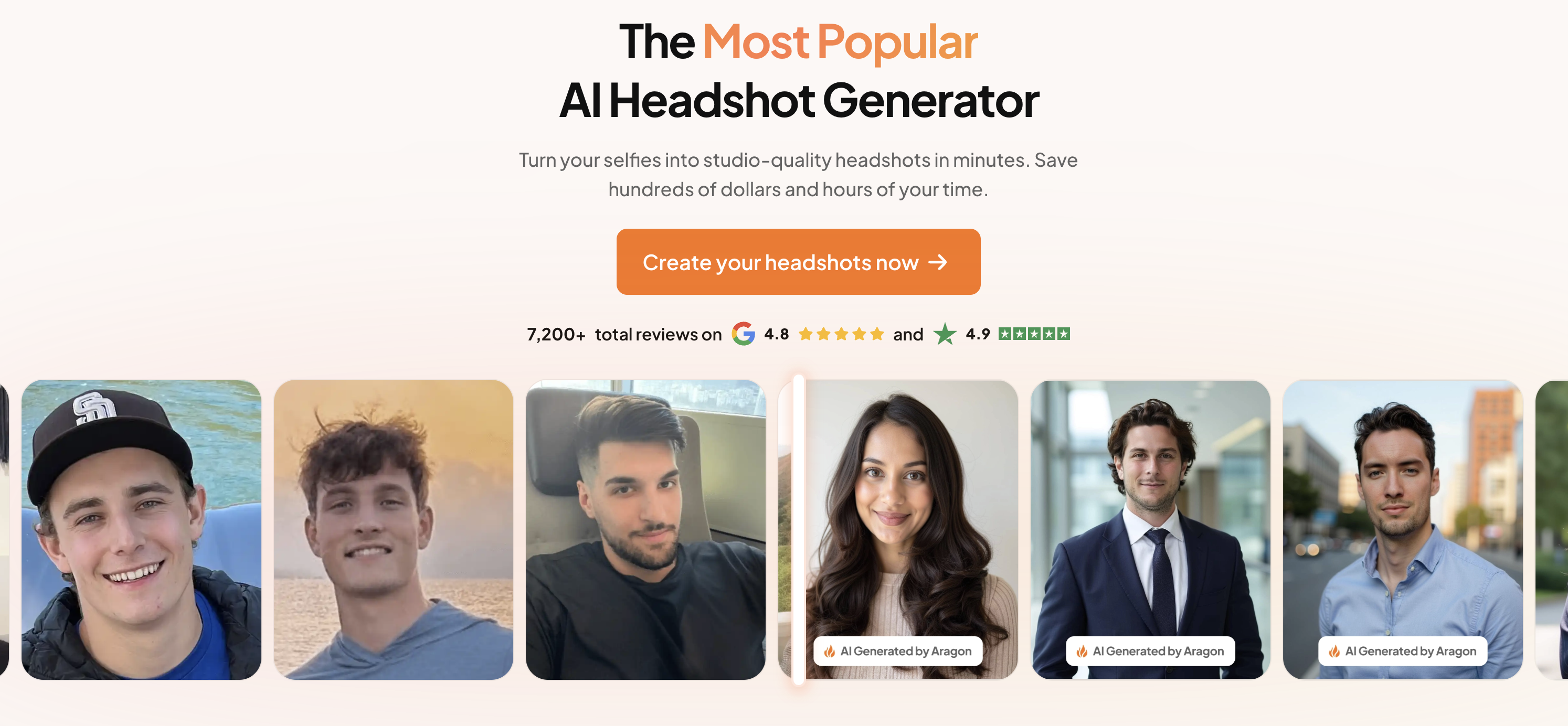
Aragon's biggest differentiator is speed and predictability. Instead of asking you to describe what you want in a prompt box, it steers you through a structured "photoshoot" process: upload, choose outfits/backgrounds, then they train a custom model for you and deliver results quickly (generation times of ~45 minutes down to ~15 minutes depending on the pricing plan).
Pricing is straightforward and scales with variety. The entry plan starts at 40 headshots with a single attire/background choice, mid-tier bumps you to 60 headshots and multiple attire/background options, and the top tier goes up to 100 headshots with all attires/backgrounds plus enhanced resolution.
Another nice perk is that Aragon offers some basic editing after generation. While perhaps not as extensive as BetterPic's options, they offer a background changer, clothing changer, and a magic eraser, which is helpful when you like the overall shot but want to refine it instead of regenerating from scratch.
On trust: Aragon publishes security and privacy documentation, and their refund policy is explicit about how refunds work (including that you can preview results before downloading, and that refunds may depend on following upload instructions). If you want a popular, fast, professional-looking generator with built-in editing tools, Aragon is an easy inclusion on this list.
Aragon AI Best Features
- Professional-first styling aimed at LinkedIn, corporate sites, and other serious contexts.
- Multiple attire/background combinations depending on plan, with more variety at higher tiers.
- Simple, guided flow for individuals and teams.
Aragon AI Pricing
- $35 - 40 professional headshots - 45 minutes turnaround time
- $45 - 60 professional headshots - 30 minutes turnaround time
- $75 - 100 professional headshots - 15 minutes turnaround time
What People Are Saying
6. Dreamwave: Professional Headshots Fast
Dreamwave is a well-known AI headshot generator that’s positioned less like a fun consumer app and more like a professional headshot system for individuals and teams. If you care about results that look like a real studio shoot (not an AI-stylized portrait), Dreamwave is one of the strongest options in the category.
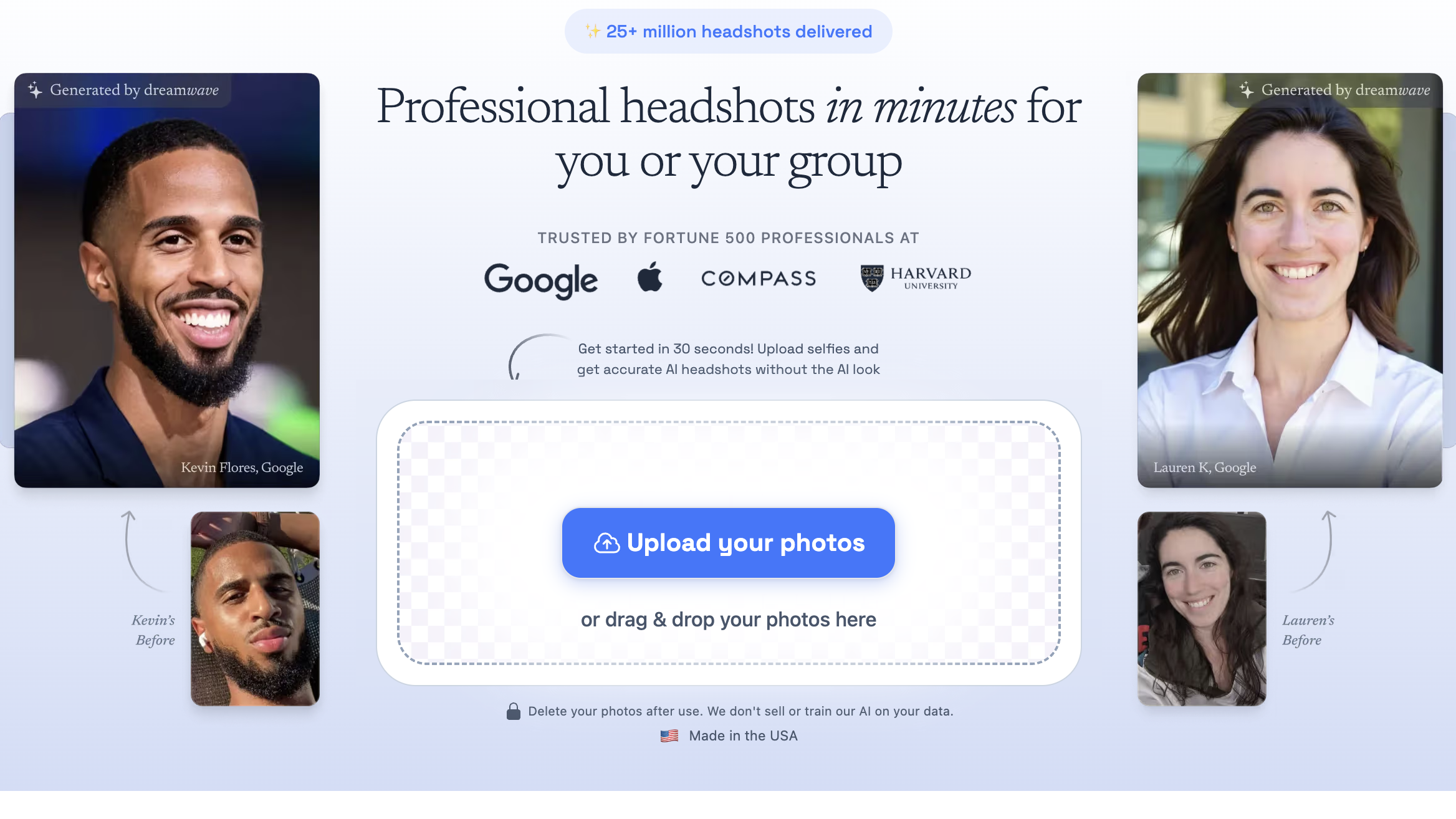
The experience is very straightforward: upload a handful of selfies, pick from a large set of outfits and backdrops, and Dreamwave generates a batch of options. Their packages are built around variety (multiple outfits + backgrounds) so you can find a look that fits your role—everything from classic corporate to more casual professional.
A strong differentiator is that Dreamwave is one of the more "team-ready" platforms. They explicitly market bulk workflows - inviting teammates, reminding people to upload, and keeping output consistent - so companies can roll out matching headshots without scheduling a traditional photoshoot.
Bottom line: if your priority is realistic, corporate-friendly headshots with a strong privacy posture - and you don't mind paying a bit more for a more "enterprise" vibe - Dreamwave is an easy top-tier pick for 2026.
Dreamwave Best Features
- Team-ready bulk workflow: easy to get headshots for your co-workers
- Large variety of looks (outfits + backdrops) with consistent results
- Strong privacy/security promises
Dreamwave Pricing
- $35 for 75 photos
- $59 for 150 photos
- $99 for 300 photos
What People Are Saying
Artturi of aiheadshotdude.com, said in a review: I like DreamWave. It’s definitely in the top 10 of the tools I’ve tested. Especially if you compare it with free tools, the results are on a next level.
7. Secta: Generate Headshots and Remix Editing
Secta is an AI headshot generator that's built around speed, variety, and iteration. It's positioned as a professional - grade option: you upload a set of photos, choose themed looks, and get a large gallery back quickly - then use their Remix tools to keep refining without starting over.
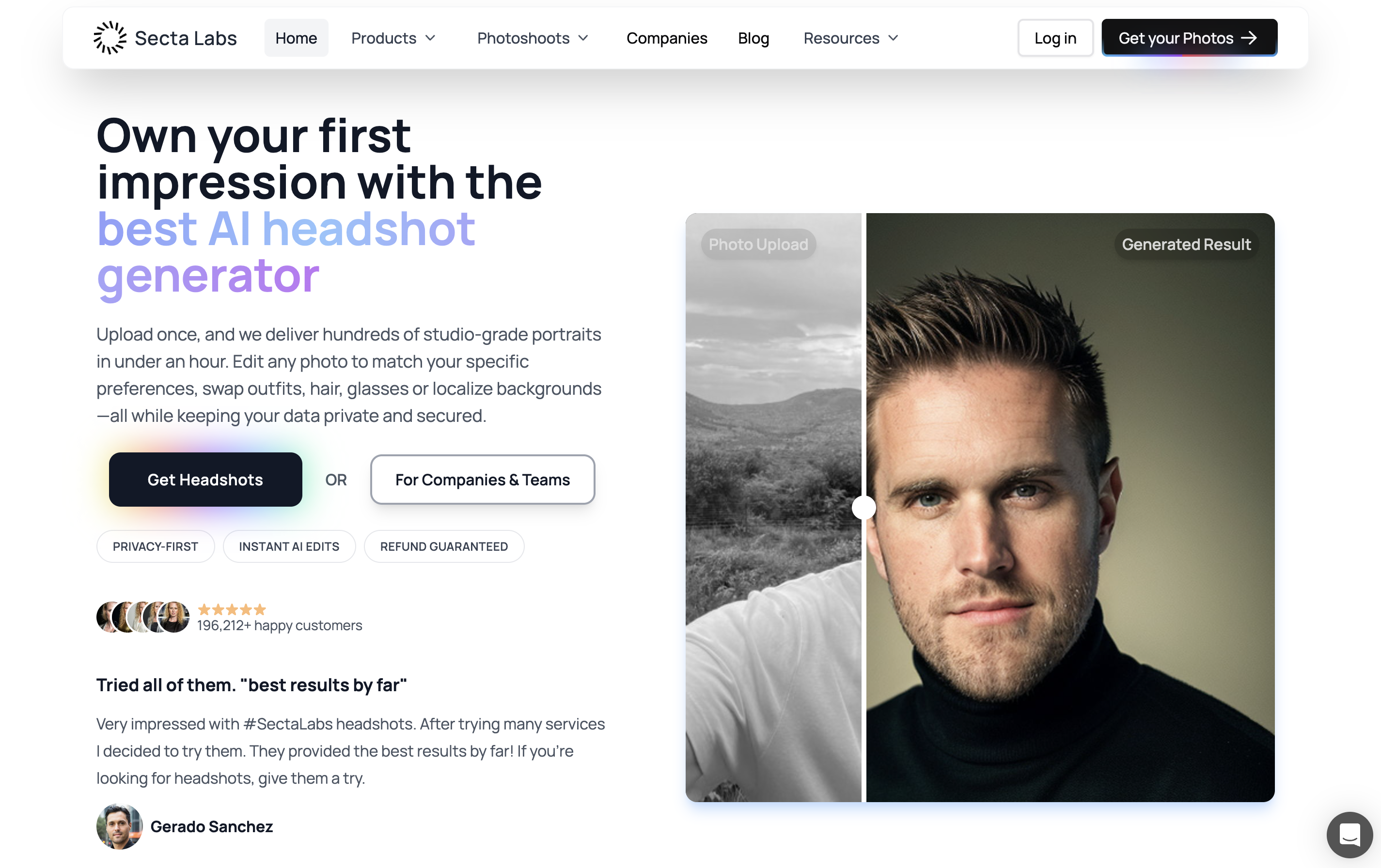
Secta's headline promise is a big, realistic batch of options with a quick turnaround. Their pages emphasize a one-time purchase starting at $49 and delivery within a couple hours, making it a practical "same day" refresh for LinkedIn, resumes, speaker bios, and company profiles.
What makes Secta feel different from many generators is the post-generation workflow. Instead of treating generation as the final step, Secta provides Remix as a core feature: create variations, swap backgrounds/outfits, adjust expression, and fine-tune near-misses so you&qpos;re not constantly re-uploading and re-trying from scratch.
Secta also leans into a business-ready posture—marketing professional headshots for individuals and teams, and highlighting policies around your images/data. If you want lots of corporate-appropriate options quickly, plus a built-in way to iterate on favorites, Secta is a strong pick for 2026.
Secta Best Features
- Remix: generate variations, swap backgrounds/outfits, and tweak expression.
- Fast results: between 30 and 60 minutes
- Busienss team readiness: good option for headshots for all of your co-workers
Secta Pricing
- $49 one time fee
What People Are Saying
E. Schneider said in a review: Secta's customer service blew me away. When I encountered generation issues, a whole team stepped in to help, showing how much they care about their customers. There are plenty of AI photo generators out there, but Secta stands out by pairing a great product with outstanding support—truly a first-class experience.
8. Instaheadshots: Premium Pricing and Try Before You Buy
InstaHeadshots is built for speed and predictable professional results - clean, corporate-friendly headshots designed for LinkedIn, resumes, and company bios. Their entry offer is positioned at $59, and they offer a low-risk feature: you get to see your headshots before you decide to pay and keep them.
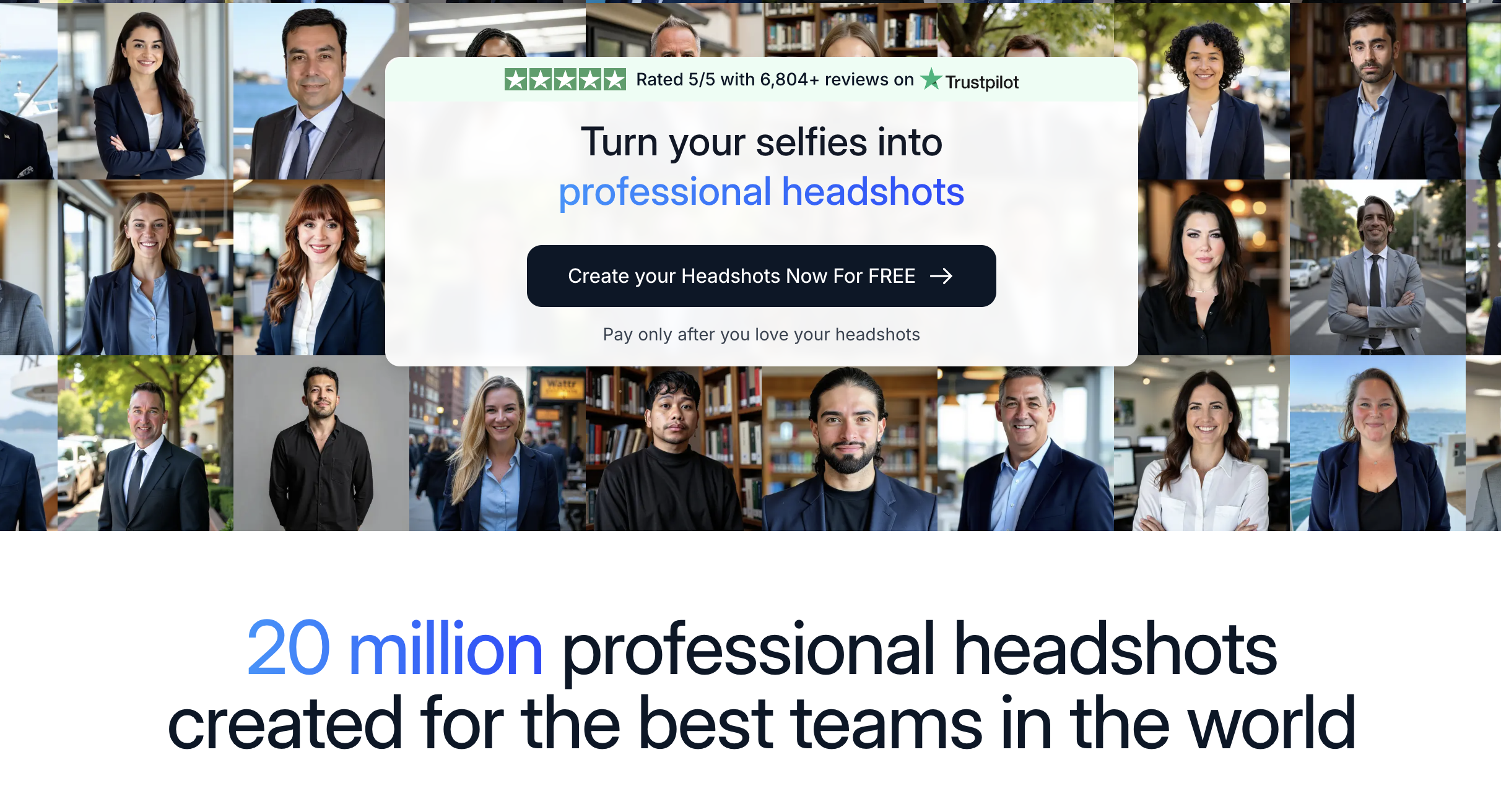
The flow is simple: upload photos, pick a few professional looks, and get a batch back fast. InstaHeadshots packages start at $59. It delivers 50 headshots across 5 looks in about 15 minutes, which makes it a strong same-day refresh if you just need something usable quickly.
A standout feature is the try-before-you-buy feature. They explicitly say you don't have to pay until you've seen your results - so it feels less like a blind purchase and more like reviewing proofs and only paying if you actually like what you got.
Bottom line: InstaHeadshots is a good fit if you want a fast batch of realistic, corporate-ready options and you like the idea of seeing results first instead of committing upfront.
InstaHeadshots Best Features
- Preview-then-pay workflow: see watermarked examples of your headshots before unlocking full access
- Focus on professional, business-appropriate styling similar to Dreamwave’s corporate vibe
- Fully browser-based experience with no software installation required
- Fast results—often within an hour or two from upload to finished images
InstaHeadshots Pricing
- $59 one time fee
What People Are Saying
Nicole Price said in her review: What an amazing program! I have wanted to get headshots done for quite some time and I never imagined it was possible to get this quality of photos just by uploading a few current pictures. I love the way these turned out and am excited to update my professional platforms.
9. Fotor: Generalized Image Editing With Headshot Options
Fotor is primarily a general-purpose photo editor (think: crop/retouch, background removal, templates, collages, etc.) that also happens to include an AI headshot generator. So instead of being 'a headshot generator app" it's more like an all-in-one creative tool where professional headshots are one feature in a much bigger toolbox.
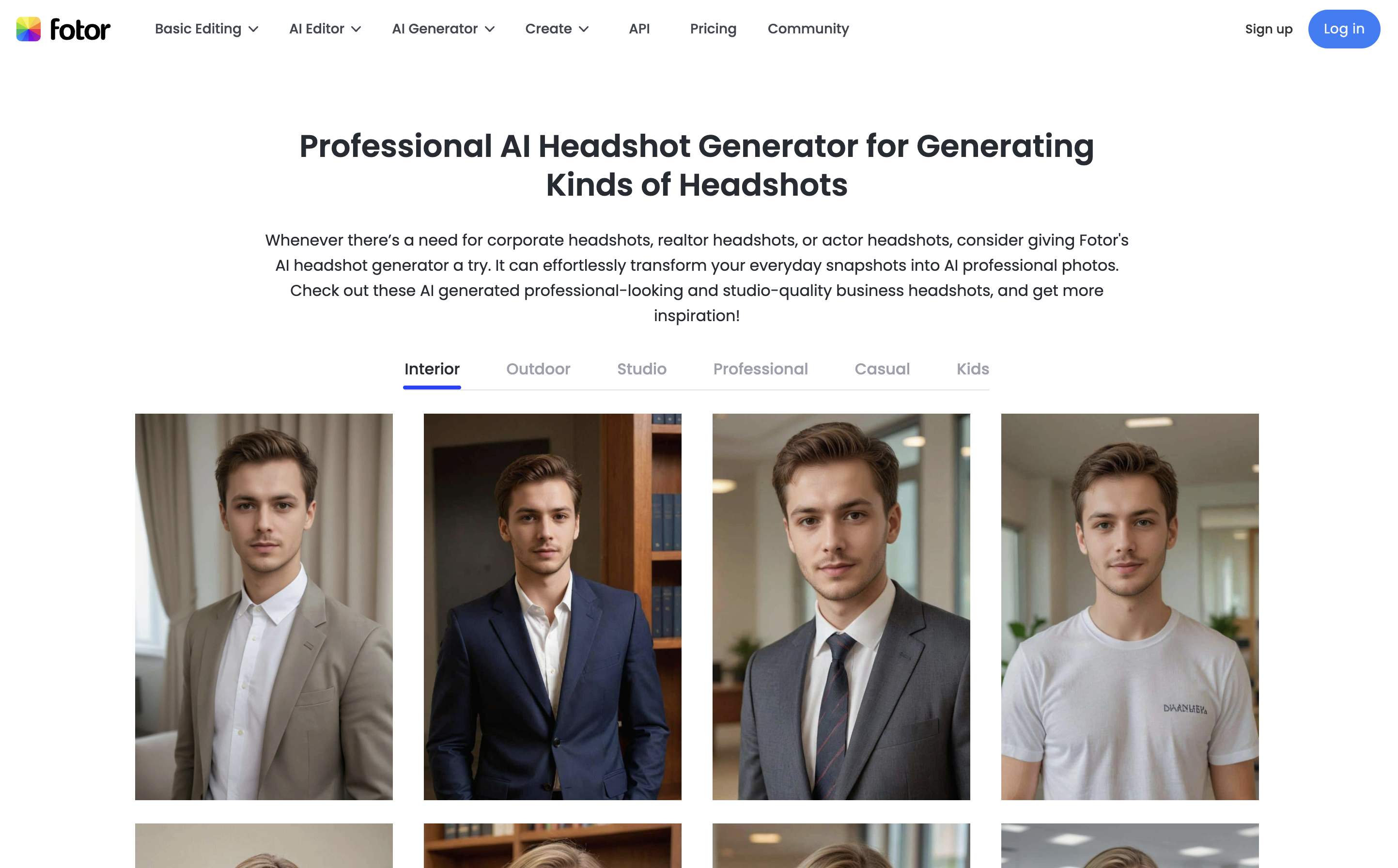
The headshot feature is straightforward: pick a few headshot styles, upload a selfie, and generate options you can preview/download. It's designed for the same use cases as the dedicated tools - LinkedIn, resumes, team pages, and profile photos - just packaged inside a broader editor experience.
Quality-wise, Fotor can be decent for a general editor. That said, the specialized headshot generators still win on consistency and professionalism because their models and workflows are tuned specifically for professional headshots.
One important difference is pricing: Fotor is a subscription product (monthly/yearly plans), where your headshot generation sits alongside the rest of the editing tool suite.
Bottom line: Fotor is totally fine if you already have a subscription (or you want an editor anyway and headshots are just one of many needs). But if you're subscribing primarily for headshots, you'll get a more professional result by choosing a dedicated AI headshot generator instead.
Fotor Best Features
- General purpose image editor: background removal, colorize photos, etc.
- Simple ai headshot generation workflow
Fotor Pricing
- $3.99 per month subscription for 100 credits
- $8.33 per month subscription for 300 credits
10. Canva: Basic Headshots With Your Subscription
Canva is first and foremost an all-in-one design platform (templates, brand kits, social posts, presentations, photo editing, etc.) that also offers a limited AI Headshot Generator. Like Fotor, the headshot tool feels more like an "extra feature" inside a much larger product rather than a dedicated headshot-first app.
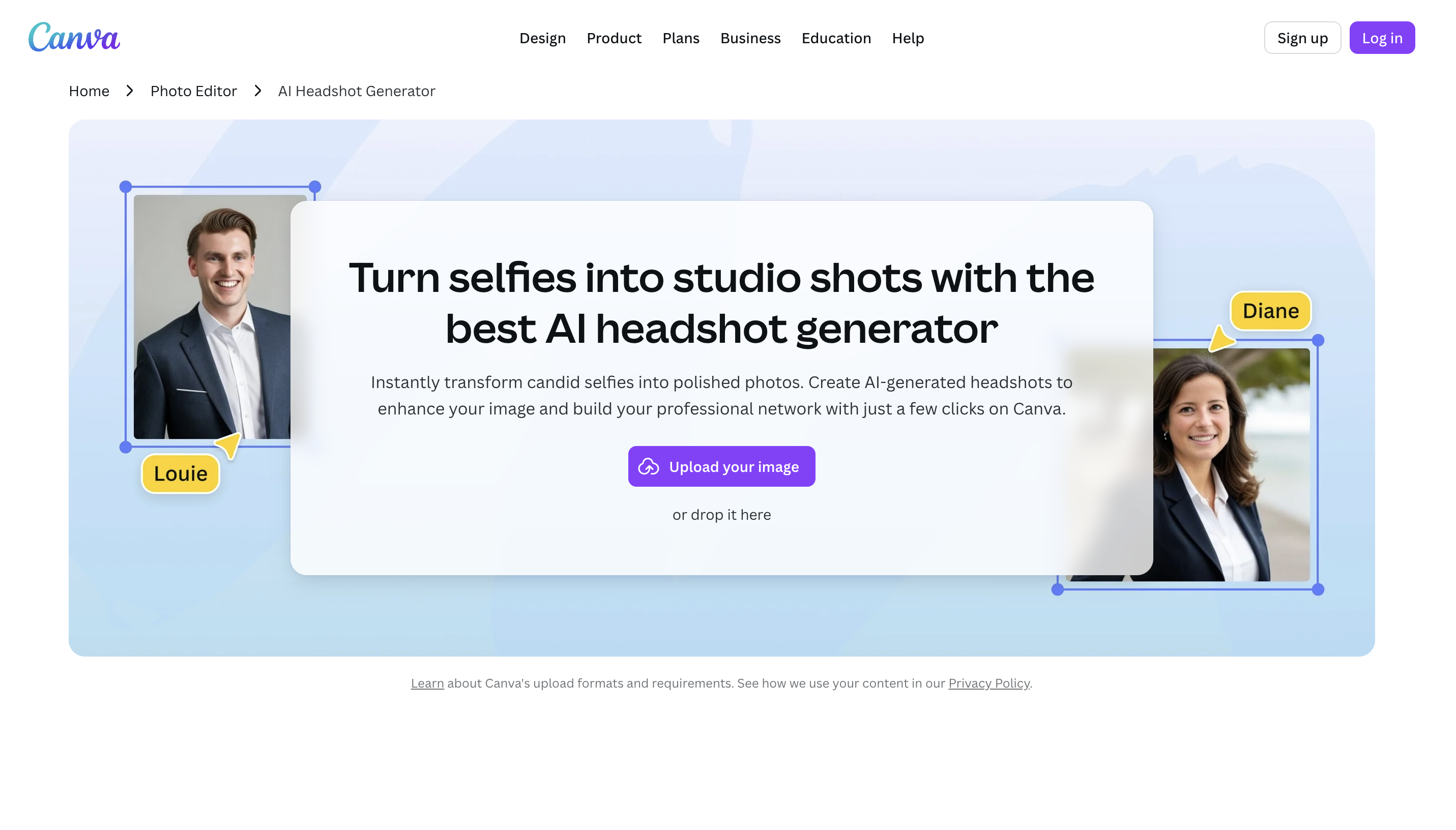
Canva's AI headshot flow is simple: upload a selfie, choose a few options, and let Canva enhance lighting and apply a more professional background. It's convenient, especially if you already live in Canva for design work and want to keep everything in one place.
The tradeoff is consistency. Canva can absolutely produce usable, professional-looking results, but in our experience it's less predictable than the specialized headshot generators that are tuned specifically for identity fidelity, wardrobe realism, and "corporate-safe" outputs. Dedicated tools still provide much higher quality when you need LinkedIn-ready shots.
On pricing, Canva's headshot generator includes limited free usage (they mention free credits), and Canva's paid plans are subscription-based - so the headshot feature is bundled alongside a huge suite of design and AI tools rather than being priced as a standalone headshot product.
Bottom line: Canva's AI headshots are totally fine if you already pay for Canva (or you want Canva for its broader design suite anyway). But if your main goal is getting the best possible professional headshots, you'll be better served by a dedicated AI headshot generator instead.
Canva Best Features
- General image editing: background removal, color editing, shape swapping, etc.
- Basic ai headshot generation capabilities
Canva Pricing
- $15 per month for basic usage
- $30 per month for increased credits and features
11. AiSuitUp: Great Value Headshots
AI SuitUp is a headshot-first generator aimed at clean, corporate-ready results with a fast turnaround. The product is framed like a virtual photoshoot: you upload a set of selfies, choose the professional vibe, and get studio-style headshots back on a predictable timeline - designed for LinkedIn, resumes, and team profile pages.
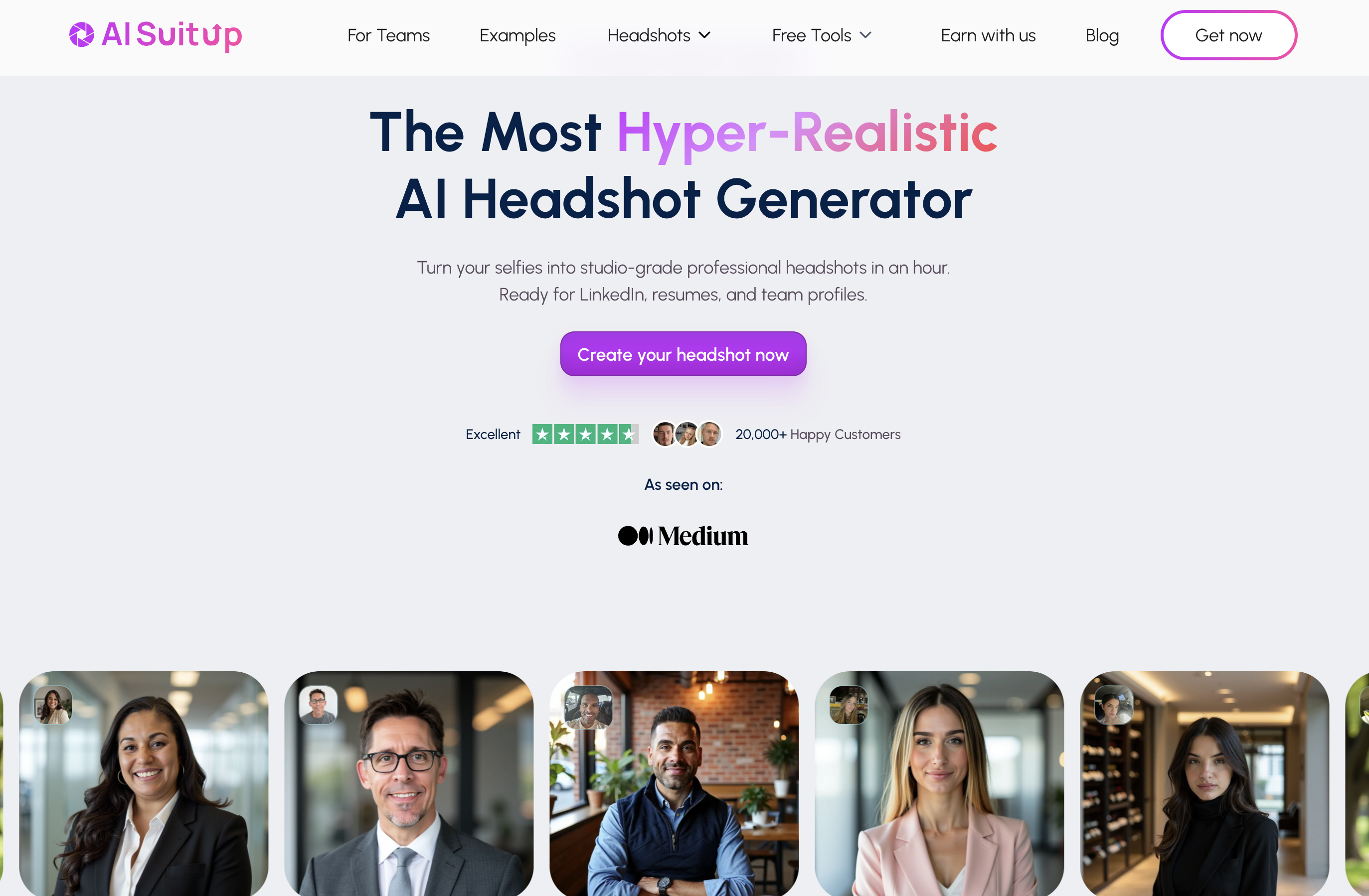
The workflow is structured (not prompt-driven). AI SuitUp guides you though what kinds of photos to upload and then generates a large batch of options in a "pick your package" format - Basic (50 headshots in ~6 hours), Professional (100 in ~3 hours), and Executive (150 in ~1 hour).
AI Suit Up is one of least expensive options on this list, at $27 for 50 headshots. This is the most affordable option other than the one provided by PhotoPacks.AI.
Bottom line: AI SuitUp is a solid choice if you want a professional headshots at an affordable price.
AI SuitUp Best Features
- Same-day turnaround times: between 3 and 6 hours
- Photorealistic results with great subject likeness
- Team/bulk workflow provides easy headshot generations for groups
AI SuitUp Pricing
- $27 for 50 headshots
- $37 for 100 headshots
- $57 for 150 headshots
What People Are Saying
Donna Vaglia said in a review: The result was awesome. There was an issue with my hair being too long, and when I provided that feedback, I received updated photos that addressed the problem.
12. TryItOnAI: Headshots in 15 Minutes
Try It On AI is built around a simple promise: studio-quality, professional headshots without the hassle of a photoshoot. It's popular with both individuals and remote teams, and it leans into a 'professional service' vibe with support and optional human touch-ups.
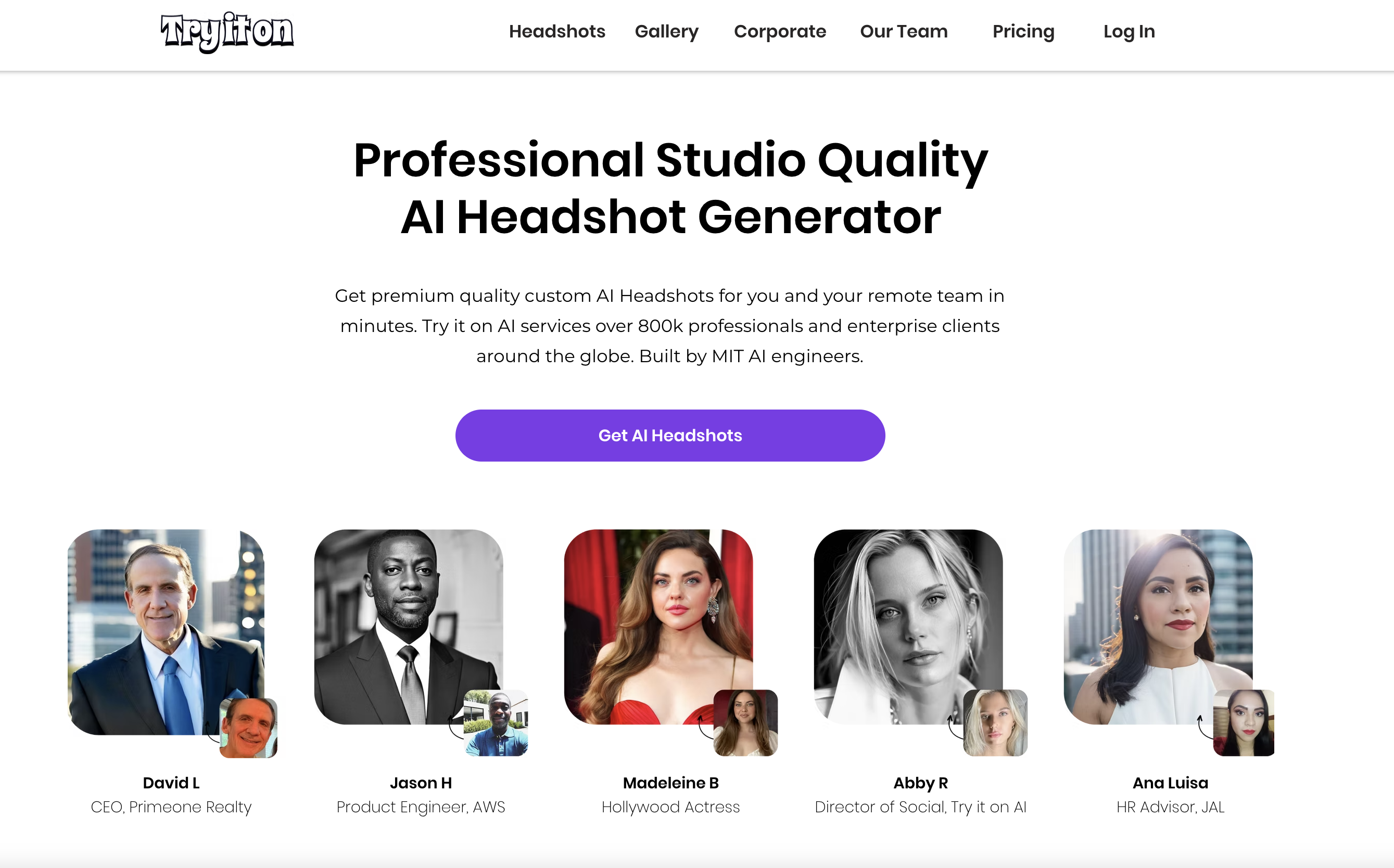
The workflow is straightforward: you upload selfies, choose from a large library of portrait styles, and receive a batch of headshots on a fast turnaround. They emphasizes dozens of available styles and 'business-ready' outputs more than creative experimentation, which makes it a good fit for LinkedIn, resumes, and company profile pages.
Try It On AI also differentiates with edits and support. Across plans, they offer AI edits for outfit/background changes, access to human editors to perfect specific images, and 24/7 customer support - useful if you get a set that's close but needs a couple targeted fixes rather than a full re-run.
For pricing, they highlight an "Express" option at $35 for 20 images, with larger packages available (and team pricing varies by volume).
Bottom line: Try It On AI is a solid pick if you want a proven headshot generator with lots of styles plus the option for human-level refinement.
Try It On AI Best Features
- AI editing functionality: touch up your photos after generation
- 100+ portrait styles: you are sure to find one that works for you
Try It On AI Pricing
- $35 for 20 headshots
- $49 for 50 headshots
- $61 for 100 headshots
What People Are Saying
Anna B said in a review: This was such an easy and quick way to obtain beautiful, yet extremely professional headshots for my work. A last minute request for my headshot came 13 days before Christmas, when all photographers are busy taking Holiday photos. Try It On was recommended by a close friend, who also used this service. Best recommendation ever!
13. PortraitPal: A Popular Solution for Headshots
Portrait Pal is a headshot-first AI generator that's positioned around one core promise: highly realistic, corporate-ready headshots that still look like you. They offer a simple workflow and clear, easy-to-understand pricing tiers.
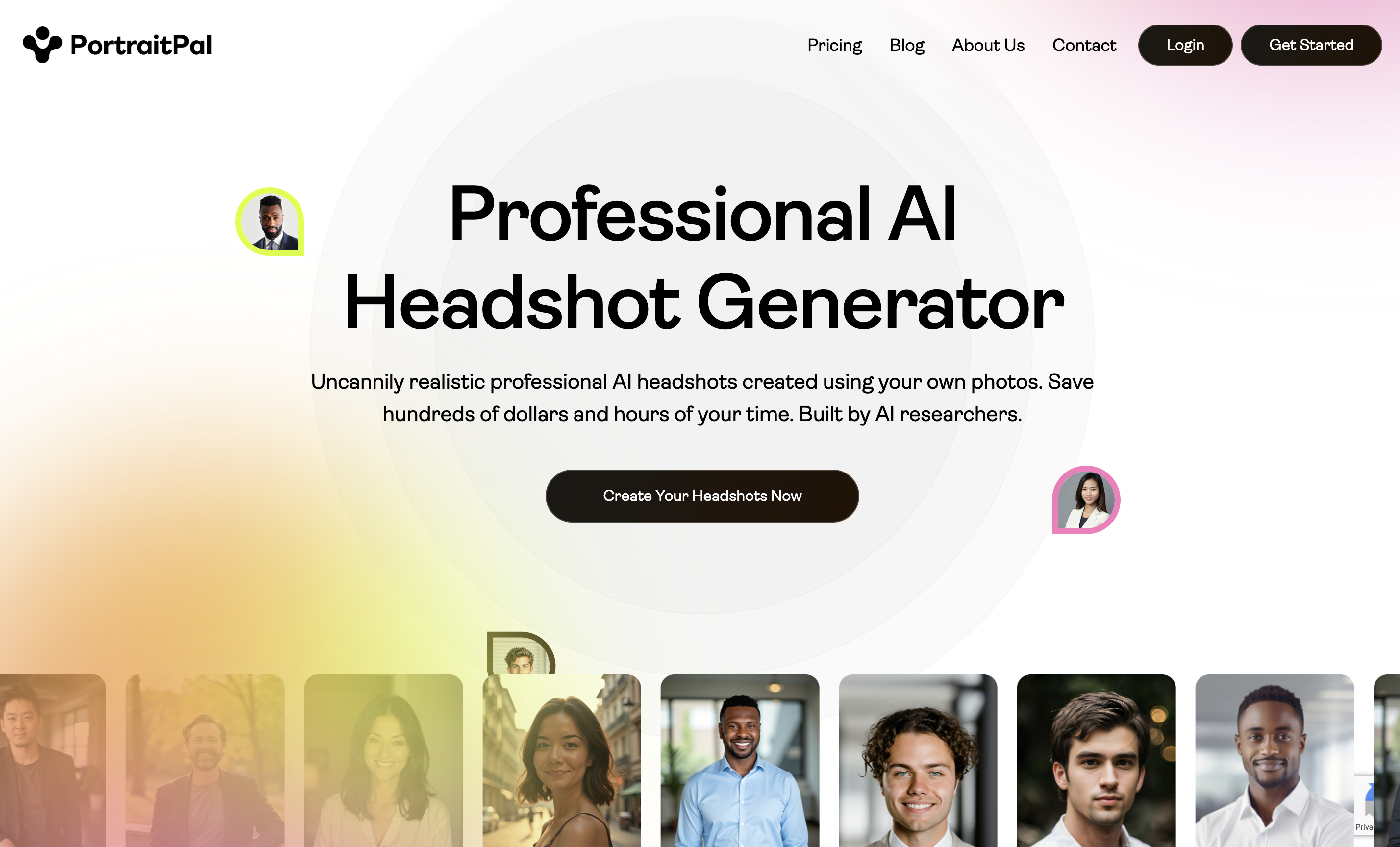
The big appeal here is low friction. You just provide a mix of clear selfies/candids from different angles and lighting and then the system generates a batch of headshots in your likeness.
Output is geared toward practical, professional use (LinkedIn, resumes, corporate websites), and they publish concrete specs like typical resolution (800×1024). Pricing is one-time per session with three tiers (Starter/Basic/Premium) that mainly scale headshot count and processing time.
Bottom line: Portrait Pal is a strong option if you want realistic, business-friendly headshots with a simple workflow - especially if you value "predictable professional" over highly creative or heavily stylized looks.
Portrait Pal Best Features
- Simple, low-friction workflow: upload your photos and that is it!
- Clear, one-time pricing tiers
- Good quality photorealism and subject likeness
Portrait Pal Pricing
- $35 for 20 headshots
- $45 for 60 headshots
- $75 for 100 headshots
What People Are Saying
James Grey said in a review: My go to - used their headshot package and helped me land new job interviews. Professional and looks natural!
14. Proshoot: Realistic Headshots + Powerful AI Editor
Proshoot positions itself as a realism-first AI headshot generator: upload a few everyday photos, choose professional styles, and get studio-like results without scheduling a photoshoot. It's built for people who want headshots that look natural (not overly smooth or “AI-ish”) and who want a lot of variety to pick from.
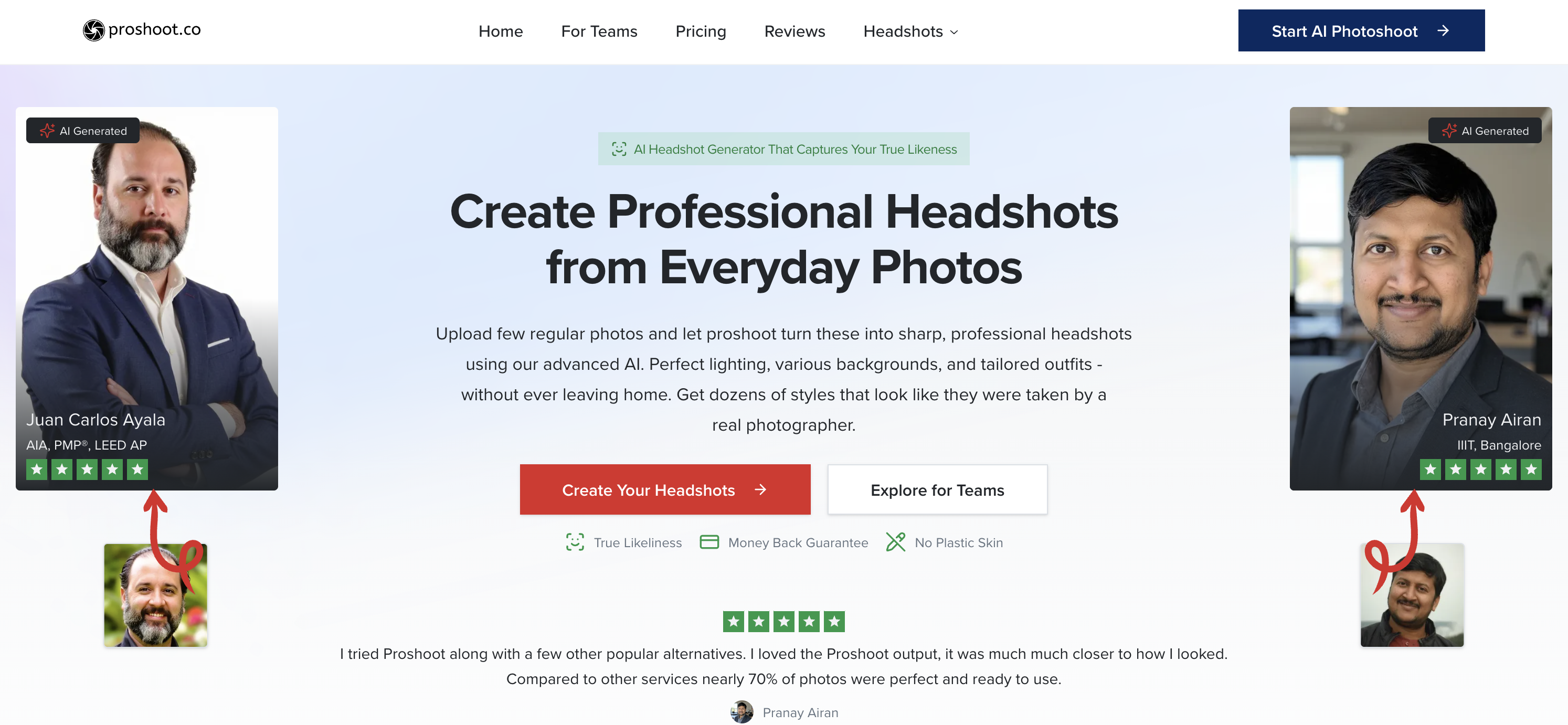
The workflow is simple: upload your photos, select styles (outfits, backgrounds, lighting), and Proshoot generates a large batch of professional headshots on a relatively fast turnaround. Where it stands out is the combination of style variety and a built-in editor that lets you iterate without starting from scratch.
Pricing is one-time (not subscription) and scales mainly by how many headshots + style variations you want. All plans include full commercial rights and a 7-day money-back guarantee, which helps reduce the risk if your first batch doesn't nail your look.
They also put emphasis on privacy: uploaded photos are automatically deleted after a short window, and you can delete generated content from your dashboard.
Bottom line: Proshoot is a strong option if you want lots of professional variations, quick delivery, and the ability to tweak results with an editor instead of repeatedly re-running the whole generation.
Proshoot Best Features
- Build-your-own style + large style catalog: generate lots of variations to choose from
- Advanced AI Editor: iterate on outfits/backgrounds without a full re-run
- 7-day money-back guarantee + stated data deletion windows for privacy-minded users
Proshoot Pricing
- $35 one-time (Starter): 40 HD headshots, 2 unique styles (~90 min)
- $49 one-time (Professional): 100 HD headshots, 5 unique styles (~60 min)
- $59 one-time (Studio): 200 HD headshots, 10 unique styles (~45 min)
What People Are Saying
Pranay Airan wrote on Proshoot's site: review page: I tried Proshoot along with a few other popular alternatives. I loved the Proshoot output, it was much much closer to how I looked. Compared to other services nearly 70% of photos were perfect and ready to use.
15. ProPhotos: Fast Turnaround, Middle-of-the-Pack Pricing
ProPhotos.ai is an AI headshot generator focused on classic corporate looks (suits, blazers, studio-style backgrounds) with fast delivery. Pricing starts at $39, which puts it closer to the mid-to-premium end for a one-time headshot pack—so the main question is whether the results and support justify the price.
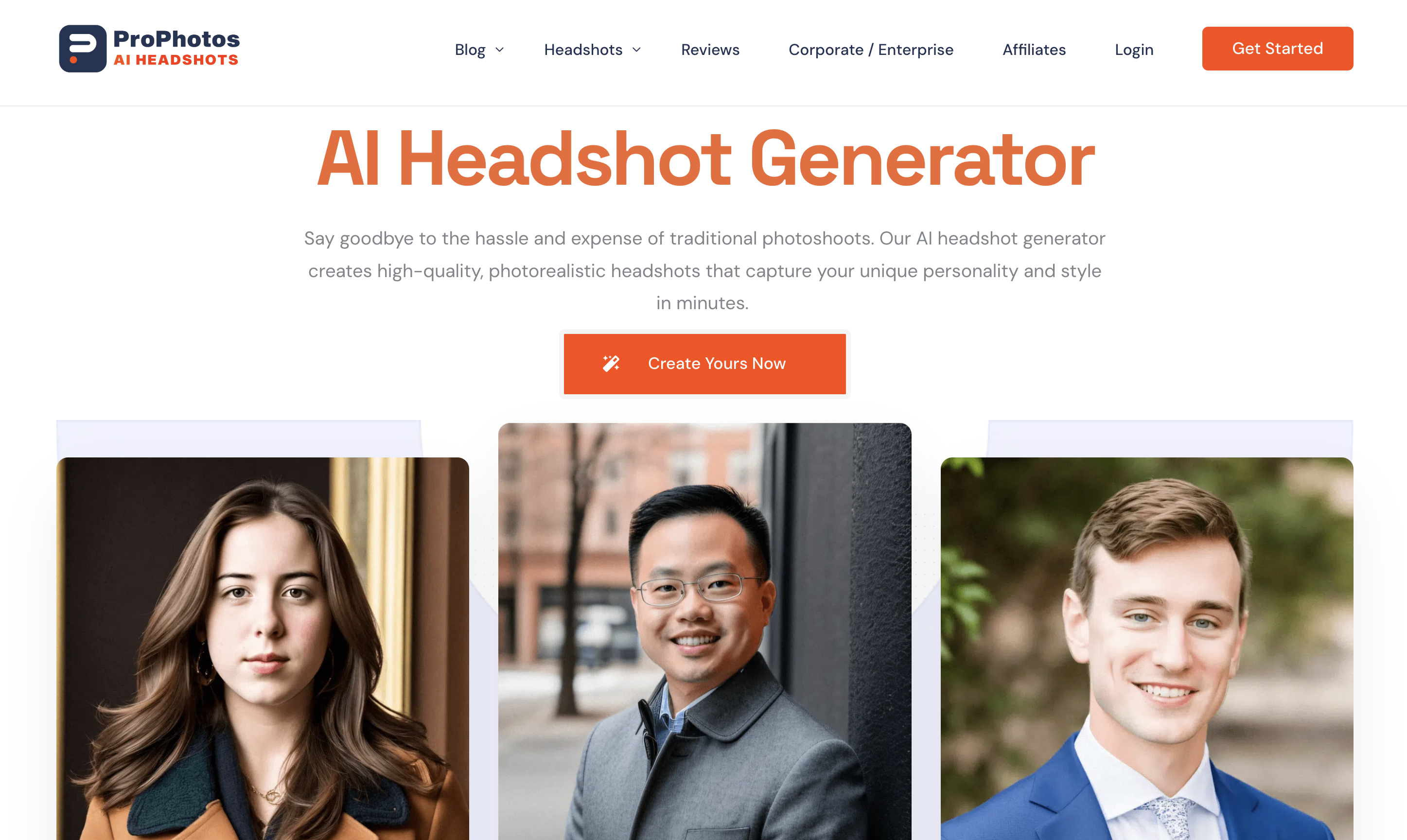
The workflow is simple: pick a package, upload your photos, and receive a batch of professional headshots on a relatively fast turnaround. Packages scale by volume (more images and more variation as you move up tiers).
Customization is geared toward business-ready outputs—mostly outfit and background combinations rather than creative styles. They also promote a background changer and commercial usage rights, which is useful if you plan to use your headshot on LinkedIn, your company website, or marketing materials.
Bottom line: ProPhotos.ai may be worth considering if you want a corporate-first headshot generator with quick delivery, but given the pricing, it’s best for buyers who are comfortable taking a bit more risk on consistency and support.
ProPhotos.ai Best Features
- Corporate-ready styling: outfits/backgrounds aimed at LinkedIn and resumes
- Fast turnaround tiers: higher plans typically deliver quicker
- Commercial usage rights + account/data deletion controls (per their site)
ProPhotos.ai Pricing
- Starter plan starts at $39 (one-time)
- Higher tiers increase headshot count + speed (one-time)
What Makes a Great AI Headshot Generator?
Not all AI headshot generators are created equal. Some tools aim for hyper-realistic, corporate-ready headshots that look like you (and won’t raise eyebrows on LinkedIn), while others prioritize variety, stylized looks, or quick “good enough” results. The best option depends on what you need the photos for — job searching, business branding, team directories, speaking events, or just upgrading your online presence.
Before you pick one, it helps to look beyond the marketing screenshots and evaluate the experience the way a real user would: how much effort does it take to get good results, how predictable are the outputs, and how quickly can you get something you’d actually use. Here are the main criteria to compare when choosing an AI headshot generator.
- Realism: The #1 dealbreaker for most people is whether the photos actually look like you — not “AI version of you.” A great generator produces believable lighting, natural skin texture, accurate facial features, and clean details (especially around hair, teeth, and hands) without looking overly smoothed or uncanny. If you want a headshot you can confidently use on LinkedIn, realism should be your top priority.
- Cost: AI headshot pricing is all over the place — from simple one-time packages to premium tiers and team bundles. If you only need a handful of strong options, a flat price can be ideal. If you want maximum variety and lots of reruns, higher tiers may be worth it.
- Ease of Use: The best tools make it simple: upload a set of selfies or candid photos, pick your style, and wait for results. Some platforms require stricter photo guidelines or more manual work, which can slow you down or reduce consistency. Generally, fewer steps + clearer instructions = a better experience.
- Customization: Headshots aren’t one-size-fits-all. Some people want clean, classic LinkedIn portraits, while others want more personality — creative outfits, backgrounds, or public speaking settings. Look for tools that let you choose styles that match your industry (business, casual, tech, blue-collar, creator, etc.) without drifting into uncanny territory.
- Teams: If you’re generating headshots for a company, consistency matters. Teams features usually include bulk pricing, easier onboarding for multiple people, and more uniform results across a group. Even if each person uploads their own photos, you want everyone to come out looking like they belong on the same “About Us” page.
- Speed: Some AI generators can take hours (or even a full day), while others deliver in under an hour. Fast turnaround matters when you’re job hunting, updating your website, preparing for an event, or trying to meet a deadline.
- Support: In a perfect world, the AI always nails it. In the real world, some users need help — whether that’s a retry, a photo quality check, or guidance on what inputs will produce the best headshots. A responsive support team can be the difference between “this was a waste of money” and “these turned out great.”
- Security: You’re uploading real photos of your face, so privacy matters. Look for clear language around photo storage, data retention, and whether your images are used for training. This is especially important for teams and businesses that need to be careful about employee data.
A good rule of thumb: if your goal is a professional profile photo you can confidently use on LinkedIn, a resume, or a company website, prioritize realism and consistency over wild variety. For most people, the “best” AI headshot generator is the one that produces a handful of strong, believable photos — quickly — without making you fight the tool to get there.
Conclusion: Photo Packs AI is the Best AI Headshot Generator for High Quality at a Great Price
AI headshot generators have gotten dramatically better in the last year. In 2026, the best tools aren't just "AI photo filters" — they're closer to a real headshot workflow: realistic lighting, corporate-appropriate wardrobe, consistent identity, and enough variety that you can actually pick a favorite instead of settling.
When you’re choosing an app, the biggest decision is whether you want a guided, headshot-first experience or a more general creative tool. Dedicated headshot platforms (like PhotoPacks.AI, Dreamwave, Aragon, HeadshotPro, Secta, and others on this list) tend to deliver the most consistent "LinkedIn-ready" results because they're tuned specifically for professional portraits. General editors like Canva and Fotor can work in a pinch, but headshots are more of an add-on feature — great if you already subscribe, less compelling if headshots are the main thing you're buying. Given that your professional image is at stake, we recommend using a tool purpose-built for the professional headshots so that you can be confident in how you represent yourself.
And if you're looking for the most affordable way to get realistic, professional headshots quickly, PhotoPacks.AI is built for exactly that — with straightforward pricing and headshot packs designed for real-world use (LinkedIn, resumes, company bios, and speaker pages).