January 14th, 2026
10 Best AI Linkedin Photo Generators for 2026
Looking for the best AI linkedin photo generator in 2026? We have you covered in this guide.

If you’re updating your LinkedIn profile photo, you’re not shopping for “cool AI portraits.” You’re shopping for one thing: a credible, recruiter-friendly first impression. LinkedIn photos are shown small and cropped into a circle, so details that look fine in a full-size image (busy backgrounds, low contrast lighting, weird wardrobe textures) can make your photo feel amateur — or worse, “AI-generated.”
This guide is specifically about LinkedIn-ready AI headshots: photos that look like a real studio headshot, match your industry (corporate vs. startup vs. creator), and hold up when viewed as a tiny circular thumbnail next to your name in search results. Why is this important? Because according to LinkedIn's own research, having a profile photo makes your profile 14 times more likely to be viewed by others.
We’ll compare the top tools based on the things that matter for LinkedIn: identity accuracy, “corporate-safe” wardrobe, natural lighting, neutral backgrounds, and how easy it is to get a result that looks like you on a good day — not a stylized avatar. This will include our own AI LinkedIn photo generator as well as numerous other options.
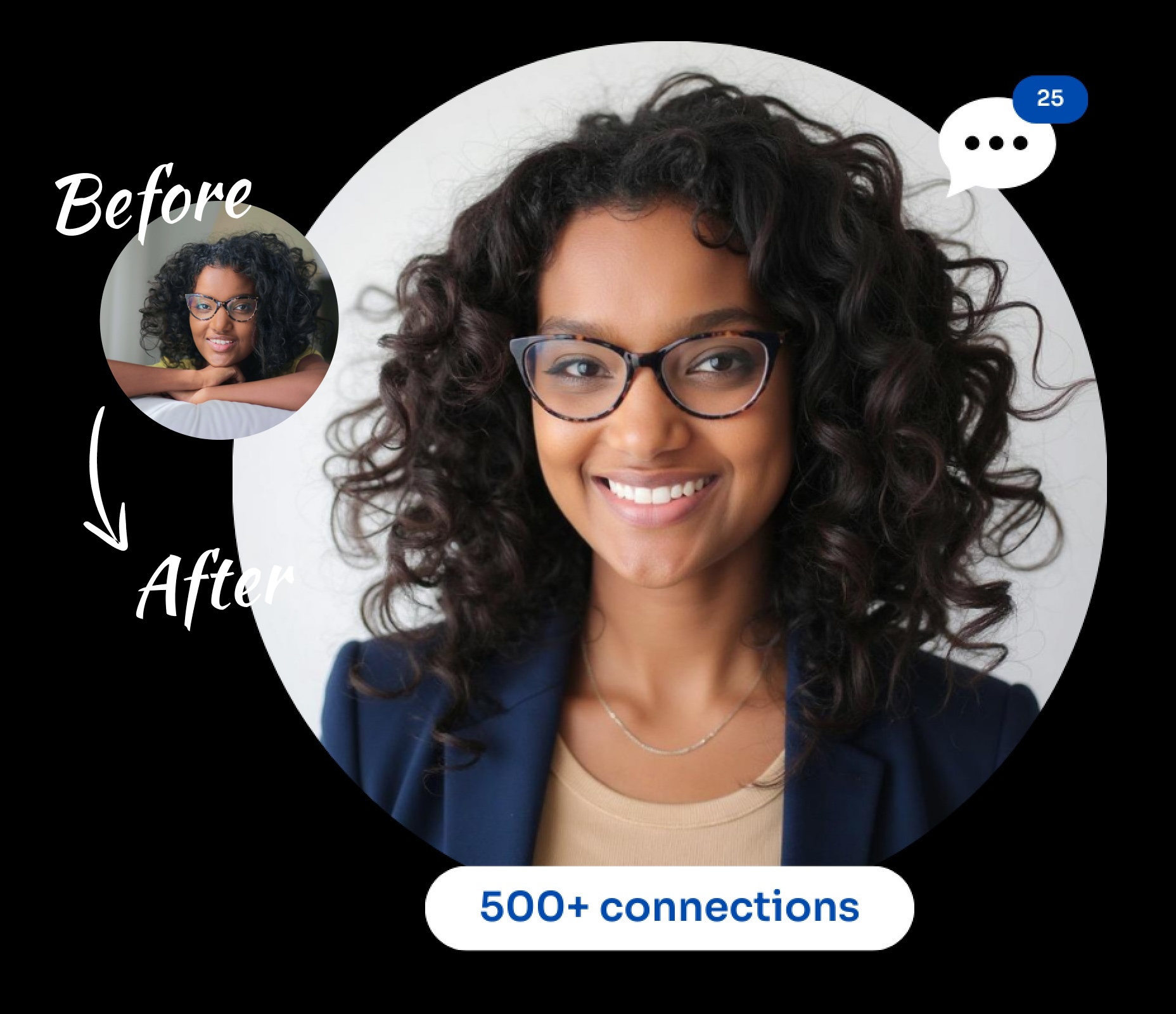
Top AI LinkedIn Photo Generators at a Glance
- Photo Packs AI: Best Overall LinkedIn Result For the Money
- Aragon AI: Great for Premium Corporate Vibe
- Dreamwave: Great for Teams and Consistent Headshots
- Secta: Headshots With Remix Editing Tools
- Instaheadshots: Great for Low-Risk - Preview Before You Pay
- Fotor: Passable Photos If You Have a Subscription
- Canva: Basic Photo Editing Using Existing Photo
- AI Suit Up: Good Budget Alternative
- Try It On: Lots of Styles and Optional Human Polish
- Portrait Pal: A Popular LinkedIn Headshot Solution
1. PhotoPacks.AI: Best Overall LinkedIn Result For the Money
PhotoPacks.AI is our top pick for LinkedIn because it consistently produces what LinkedIn actually rewards: a realistic, corporate-safe head-and-shoulders photo that still looks like you. The workflow is intentionally simple (buy, upload, done), and results arrive fast (often under an hour), which makes it great for job seekers who want a credible profile upgrade today—not in two weeks. At just $24, it’s also one of the best values in the category without sacrificing “LinkedIn-ready” quality.
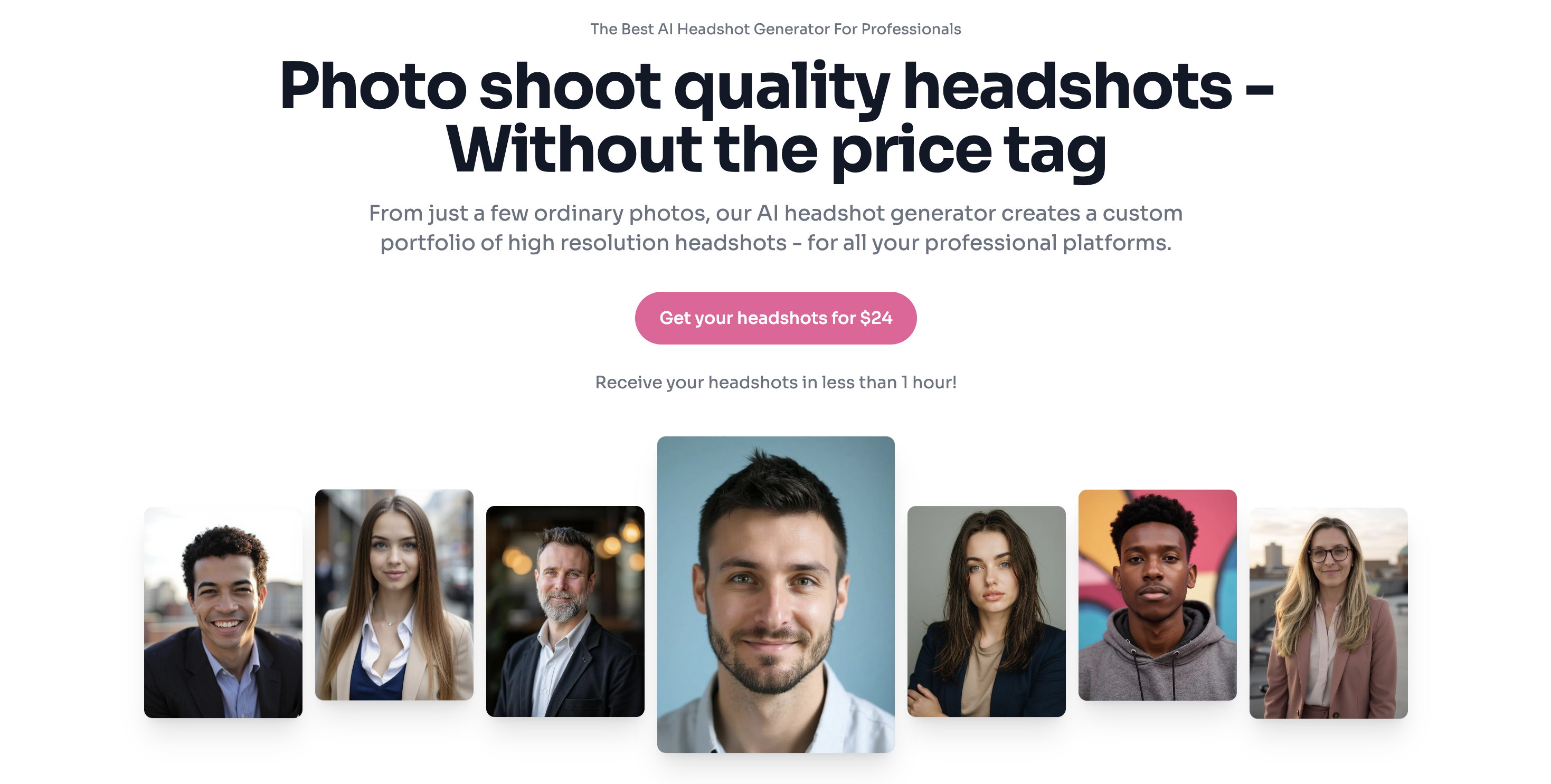
LinkedIn photos have one brutal constraint: they’re displayed small and cropped into a circle. That means your best photo isn’t the most dramatic one—it’s the one that still looks clean and confident as a tiny thumbnail. PhotoPacks.AI tends to deliver a high percentage of those “thumbnail-proof” shots: centered face, head + shoulders framing, natural lighting, and backgrounds that don’t distract.
Another reason it works well for LinkedIn is the styling. Instead of pushing artsy or heavily stylized outputs, PhotoPacks.AI leans into conservative professional looks: business and business-casual options, neutral backdrops, and wardrobe choices that won’t raise eyebrows in a recruiter screen or on a company team page.
It’s also strong if you want variety without risk. LinkedIn doesn’t need 200 wildly different looks—you need a handful of winners that feel believable. PhotoPacks.AI gives you enough options across professional themes (classic corporate, business-casual, clean casual, public speaking) that you can choose the one that matches your role and industry without accidentally drifting into “AI portrait” territory.
Finally, it’s one of the best options for teams on LinkedIn. The team packages make it easy to invite coworkers to upload their own photos (or upload on their behalf) and end up with a cohesive look across leadership pages and employee profiles—without coordinating a traditional photoshoot.
Bottom line: if your goal is a fast, affordable LinkedIn headshot that looks natural, professional, and recognizably you, PhotoPacks.AI is the best overall pick.
PhotoPacks.AI Best Features
- Simple Pricing: $24 flat fee for professional photos
- Fast delivery of photos in less than 1 hour
- User Simplicity: Register for an account, purchase a pack of photos, and upload a few photos. It does not get simpler than that!
- Self-service tools for teams: Invite team members or upload photos on their behalf.
- Styles for your needs: Whether you are looking for a business look, casual, public speaking, or something else, PhotoPacks.AI has a style for your needs.
PhotoPacks.AI Pricing
- $24 flat fee
- Teams pricing is $20 per person for 10 or more people
- Teams pricing is $17 per person for 50 or more people
What People Are Saying
Artturi of aiheadshotdude.com, a man that has made a trusted name for himself reviewing AI tools, called PhotoPacks.AI the best affordable AI headshot generator of 2025 in his YouTube review.
An Idaho family was kind enough to share their experience using PhotoPacks.AI to get professional photos of their son in a beautiful news story.
Alex Price said in a review: I am not photogenic and I hate getting my picture taken. That being said, my company wanted updated shots of everybody so I gave them some so AI headshots from photo packs that I generated. It got the job done quick and easy!
2. Aragon AI: Great for Premium Corporate Vibe
Aragon AI is one of the best picks for LinkedIn if you want a premium, traditional corporate look with minimal decision-making. Instead of relying on a prompt box, Aragon guides you through a structured flow—upload a small set of photos, pick wardrobe + background options, and get a studio-style batch that’s designed to be safe for recruiters, executives, and company profile pages.
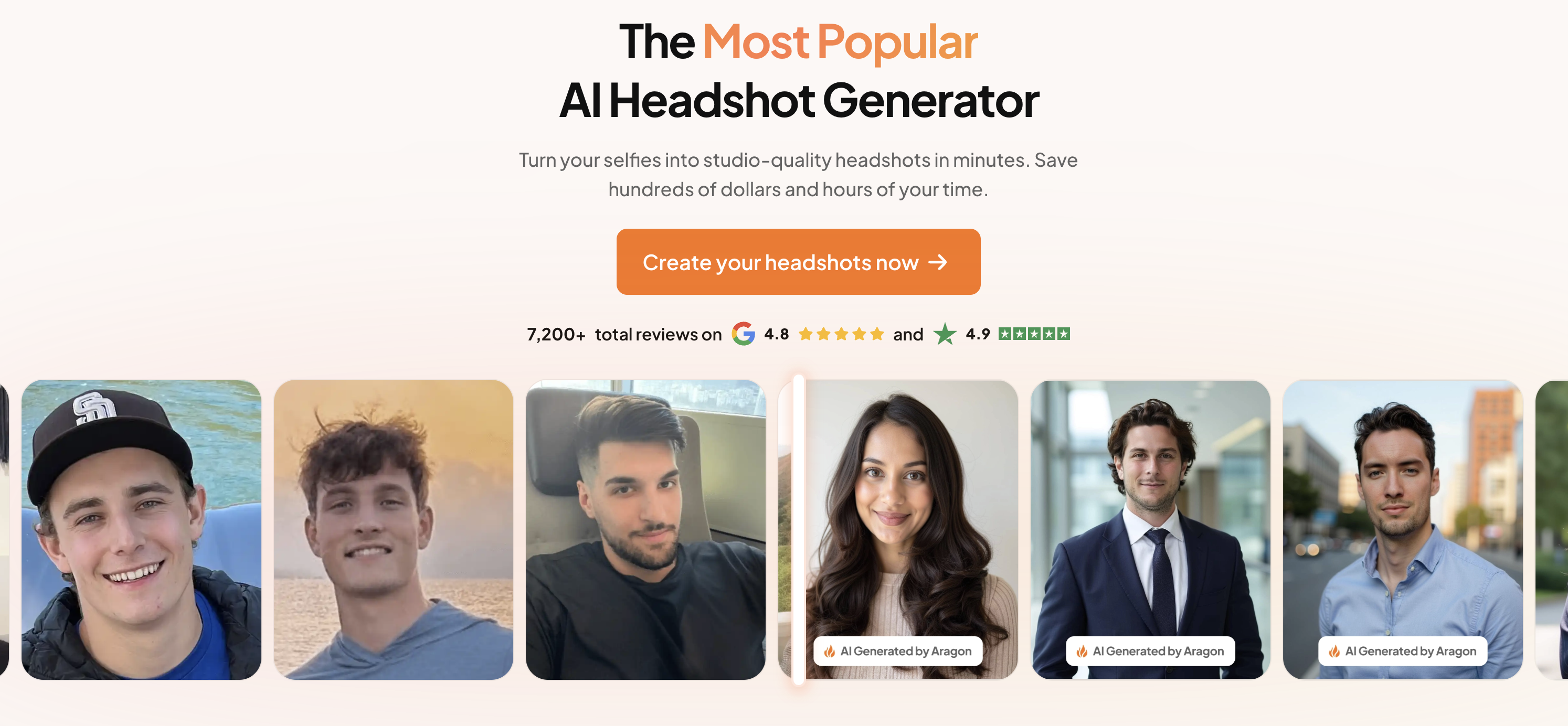
For LinkedIn specifically, Aragon’s biggest advantage is predictability. LinkedIn photos have low tolerance for weirdness: odd collars, over-smoothed skin, unnatural lighting, or backgrounds that read “AI.” Aragon’s guided “virtual photoshoot” approach tends to keep results inside a conservative, corporate-safe lane—exactly what most people want for a job search or professional networking.
It also performs well for thumbnail + circle-crop reality. Your profile photo will usually be seen tiny, next to your name in search, comments, and messages. Aragon’s output generally leans toward centered, head-and-shoulders framing with clean separation from the background, which makes it easier to find a shot that still looks sharp when cropped into a circle.
Where the pricing makes sense for LinkedIn is variety. The lower tier is good if you just need “one solid headshot,” while higher tiers are better if you want multiple looks (different outfits/backgrounds) so you can pick the photo that matches your role—more formal for finance/legal, more business-casual for tech/startups—without experimenting blindly.
Another nice LinkedIn-centric perk is post-generation editing. If you get a shot that’s almost perfect, Aragon’s editing tools (like swapping backgrounds or outfits) can save you from doing a full rerun just to fix one detail that would otherwise bug you every time you see your face on LinkedIn.
Bottom line: if you want a polished, premium corporate vibe and a guided process that minimizes “AI-looking” misses, Aragon is a strong LinkedIn-first option—especially for executives, client-facing roles, and anyone who wants a safe, professional default.
Aragon AI Best Features
- Professional-first styling aimed at LinkedIn, corporate sites, and other serious contexts.
- Multiple attire/background combinations depending on plan, with more variety at higher tiers.
- Simple, guided flow for individuals and teams.
Aragon AI Pricing
- $35 - 40 professional headshots - 45 minutes turnaround time
- $45 - 60 professional headshots - 30 minutes turnaround time
- $75 - 100 professional headshots - 15 minutes turnaround time
What People Are Saying
3. Dreamwave: Great for Teams and Consistent Headshots
Dreamwave is one of the strongest LinkedIn-focused picks if you care most about areal studio-headshot look—clean lighting, corporate-safe styling, and results that don’t feel like stylized “AI portraits.” It’s especially good for teams and leadership groups that want a cohesive, professional look across LinkedIn profiles without coordinating an in-person photoshoot.
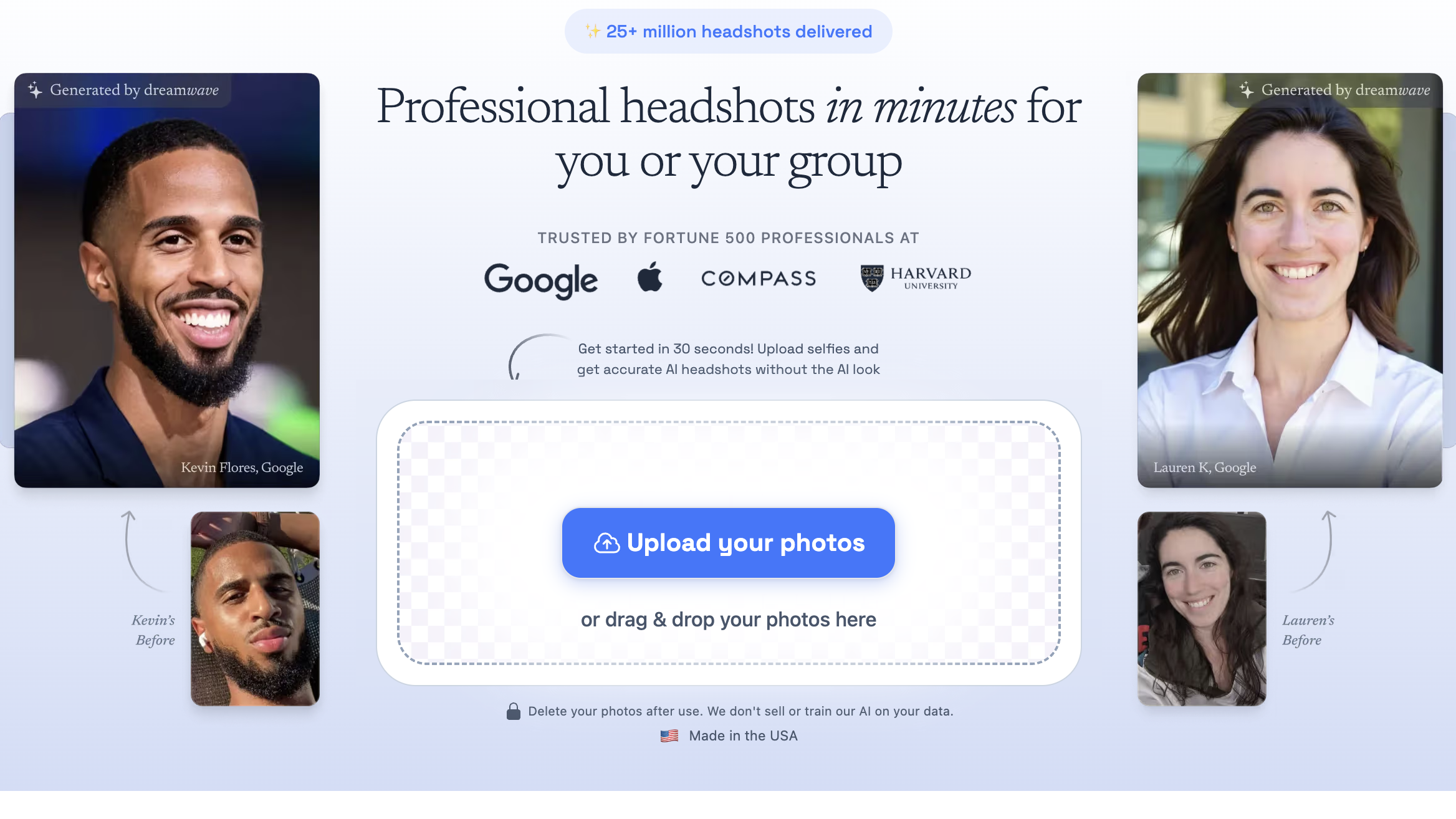
Dreamwave shines on LinkedIn because it prioritizes the things LinkedIn actually rewards: believable lighting, a clean background, and head-and-shoulders framing that holds up when your photo is displayed as a tiny circular thumbnail next to your name. In other words, it tends to generate “this looks like a real headshot” results, which is exactly the vibe you want when recruiters and coworkers see your profile photo in search results, messages, and comments.
The workflow is simple and professional-first: upload a handful of selfies, pick outfits + backdrops, and generate a large set of options. For LinkedIn, that variety is useful because you can dial in the right level of formality— classic corporate for finance/legal/sales leadership, or polished business-casual for tech and startups—without drifting into overly creative or “AI-ish” styles.
Where Dreamwave really earns its spot is team consistency. If you’re updating a management team, department, or remote company, Dreamwave’s bulk workflow (inviting teammates, reminders, consistent output) makes it easier to roll out headshots that look like they belong together. That’s a big deal for LinkedIn because mismatched photos across leadership can make a company page and employee profiles feel uneven or outdated.
Bottom line: if your goal is a credible LinkedIn headshot that looks like a real studio shoot—and especially if you’re doing this for a team— Dreamwave is a top-tier option for 2026.
Dreamwave Best Features
- Team-ready bulk workflow: easy to get headshots for your co-workers
- Large variety of looks (outfits + backdrops) with consistent results
- Strong privacy/security promises
Dreamwave Pricing
- $35 for 75 photos
- $59 for 150 photos
- $99 for 300 photos
What People Are Saying
Artturi of aiheadshotdude.com, said in a review: I like DreamWave. It’s definitely in the top 10 of the tools I’ve tested. Especially if you compare it with free tools, the results are on a next level.
4. Secta: Headshots With Remix Editing Tools
Secta is a strong LinkedIn pick if you like the idea of getting a big batch of professional headshots quickly—and then iterating until you have “the one.” LinkedIn photos are unforgiving: a slightly weird collar, odd background blur, or uncanny lighting can make your profile photo feel artificial. Secta’s Remix tools are built for fixing those near-misses instead of forcing you to re-upload and start over.
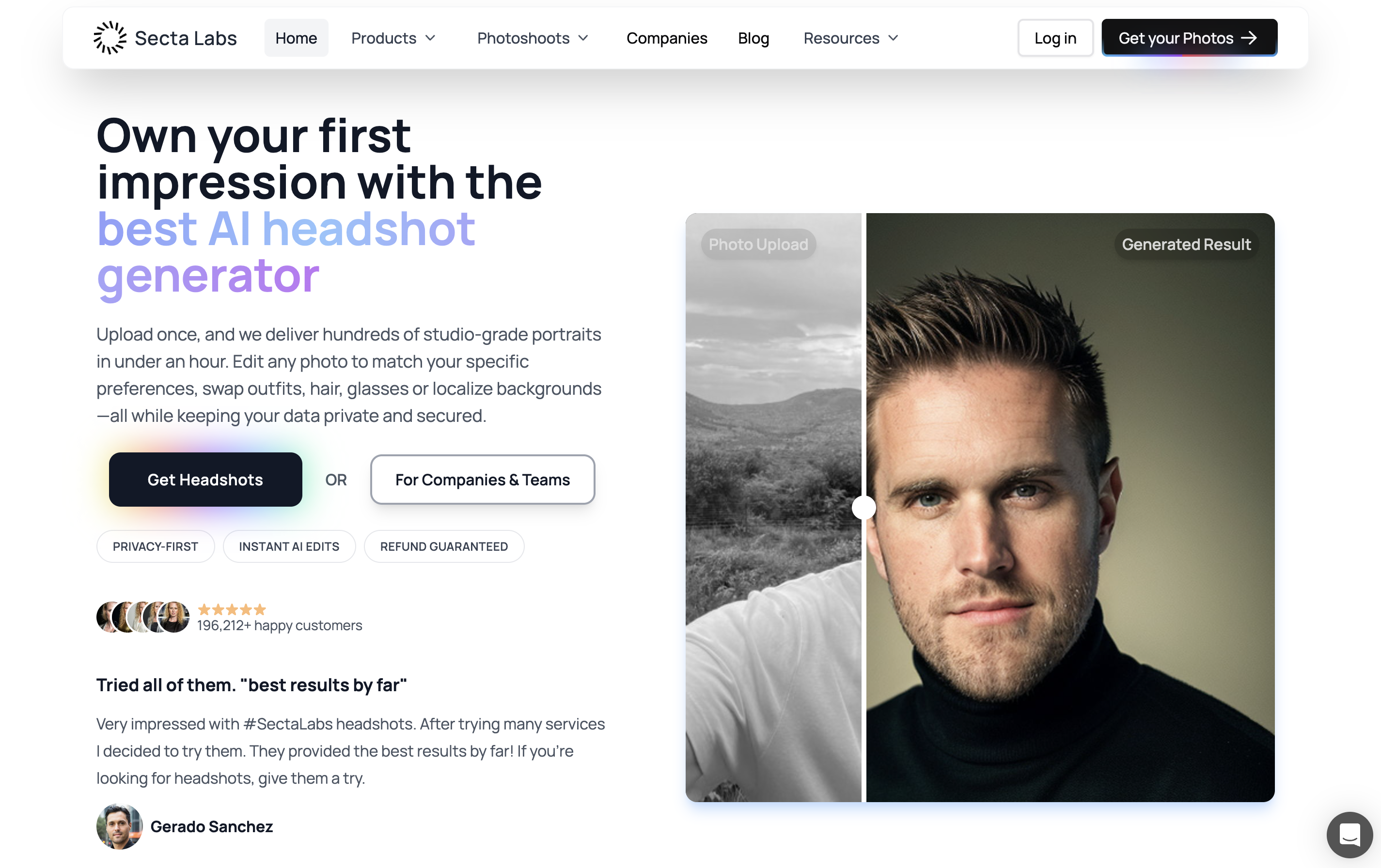
For LinkedIn, Secta’s advantage is that it treats generation as the start of the workflow, not the end. You upload your photos, choose professional looks, and get a large gallery back quickly—often fast enough for a same-day LinkedIn refresh. Then you use Remix to keep refining: create variations, swap backgrounds or outfits, and adjust subtle details so you can land on a result that looks truly natural.
That’s especially useful because the best LinkedIn headshot is usually the one that’s thumbnail-proof. Your photo will be shown small and cropped into a circle, so tiny issues become obvious: weird edges around hair, slightly off eye direction, unnatural skin smoothing, or a background that looks “too generated.” Secta’s iteration tools make it easier to polish a close-enough image into something you’re comfortable using as your primary professional photo.
Secta also leans into a business-ready posture. It’s positioned for professional use cases like LinkedIn, resumes, speaker bios, and company profile pages, with a one-time purchase model that’s easy to justify if you just want a solid headshot set without subscribing to a design suite.
Bottom line: if you want lots of corporate-appropriate options fast, and you value the ability to refine and rescue near-misses into a final LinkedIn-ready headshot, Secta is one of the best choices on this list.
Secta Best Features
- Remix: generate variations, swap backgrounds/outfits, and tweak expression.
- Fast results: between 30 and 60 minutes
- Busienss team readiness: good option for headshots for all of your co-workers
Secta Pricing
- $49 one time fee
What People Are Saying
E. Schneider said in a review: Secta's customer service blew me away. When I encountered generation issues, a whole team stepped in to help, showing how much they care about their customers. There are plenty of AI photo generators out there, but Secta stands out by pairing a great product with outstanding support—truly a first-class experience.
5. Instaheadshots: Great for Low-Risk - Preview Before You Pay
InstaHeadshots is a solid LinkedIn-focused option if you want fast, corporate-safe headshots and you hate the idea of paying before you know the results are usable. Their standout LinkedIn-friendly perk is the preview-before-you-pay flow: you can see your headshots first, then decide whether to unlock them—much closer to reviewing proofs than making a blind purchase.
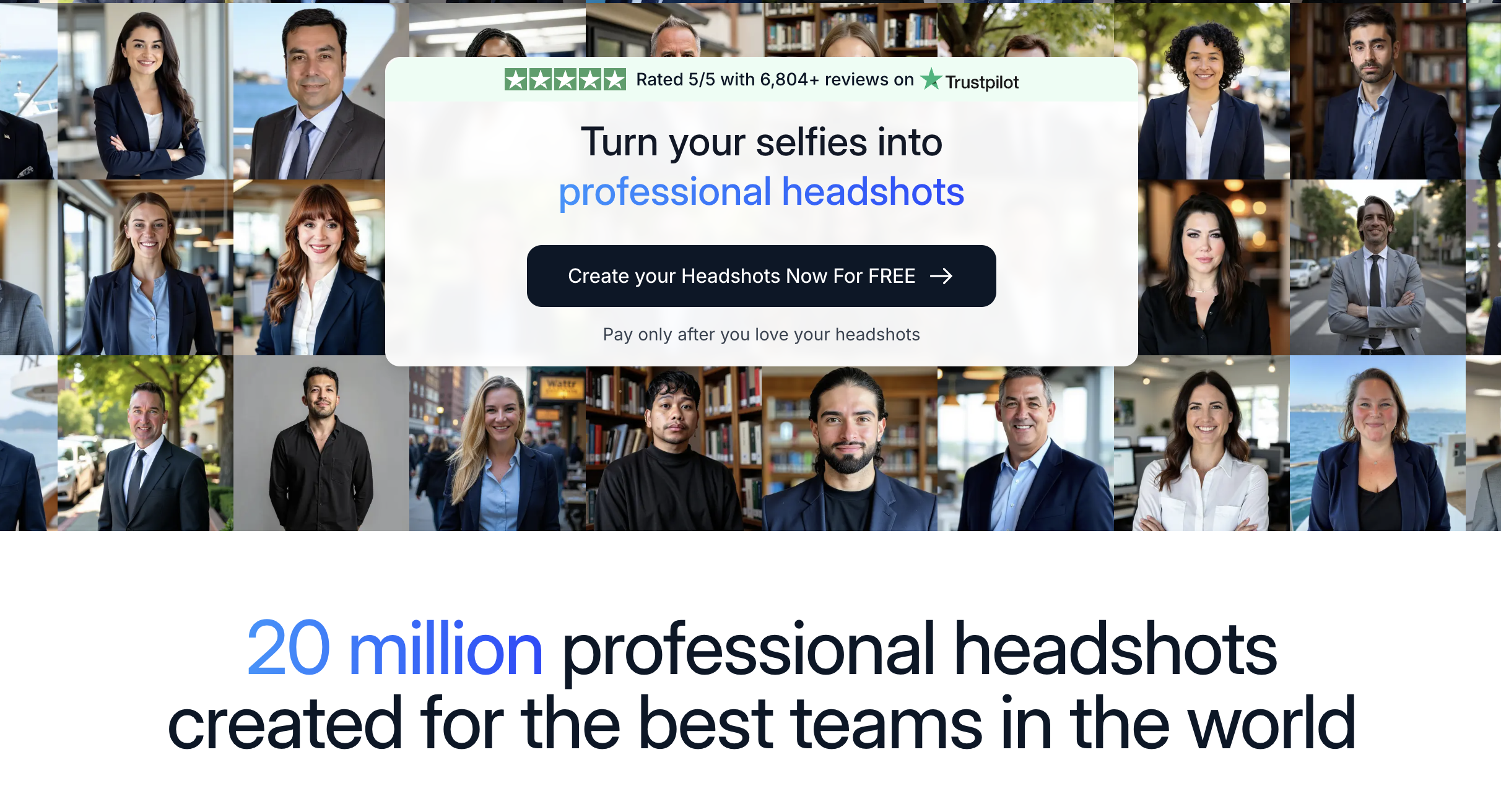
InstaHeadshots is designed for the “I need a LinkedIn photo now” scenario. You upload a set of photos, choose a handful of professional looks, and get a batch back quickly. Their entry package is positioned around $59, and they emphasize speed (often on the order of minutes) with multiple looks so you can pick the most believable, recruiter-friendly option.
The reason it fits LinkedIn well is the styling direction: clean, corporate-appropriate wardrobe, neutral backgrounds, and a headshot-first framing that usually works well in LinkedIn’s small, circular crop. That matters because LinkedIn photos aren’t judged full-screen—they’re judged as a tiny thumbnail next to your name in search results, comments, and messages.
The best feature for LinkedIn buyers is the low-risk purchase model. With a lot of AI headshot tools, you’re gambling that you’ll get at least one image you’d actually feel confident using publicly. InstaHeadshots reduces that risk by letting you preview your results before committing, so you’re far less likely to pay for a set that feels “off” or doesn’t look enough like you.
Bottom line: if you want a quick batch of realistic, corporate-ready headshots and you like the comfort of seeing results before paying, InstaHeadshots is a great LinkedIn-oriented pick.
InstaHeadshots Best Features
- Preview-then-pay workflow: see watermarked examples of your headshots before unlocking full access
- Focus on professional, business-appropriate styling similar to Dreamwave’s corporate vibe
- Fully browser-based experience with no software installation required
- Fast results—often within an hour or two from upload to finished images
InstaHeadshots Pricing
- $59 one time fee
What People Are Saying
Nicole Price said in her review: What an amazing program! I have wanted to get headshots done for quite some time and I never imagined it was possible to get this quality of photos just by uploading a few current pictures. I love the way these turned out and am excited to update my professional platforms.
6. Fotor: Passable Photos If You Have a Subscription
Fotor is best thought of as a LinkedIn photo “cleanup + polish” tool more than a dedicated AI headshot generator. If you already have a decent selfie or photo of yourself (or you’ve generated a headshot elsewhere), Fotor can help you turn it into something more LinkedIn-ready with quick edits like background cleanup, light retouching, and simple enhancements—especially if you already subscribe.
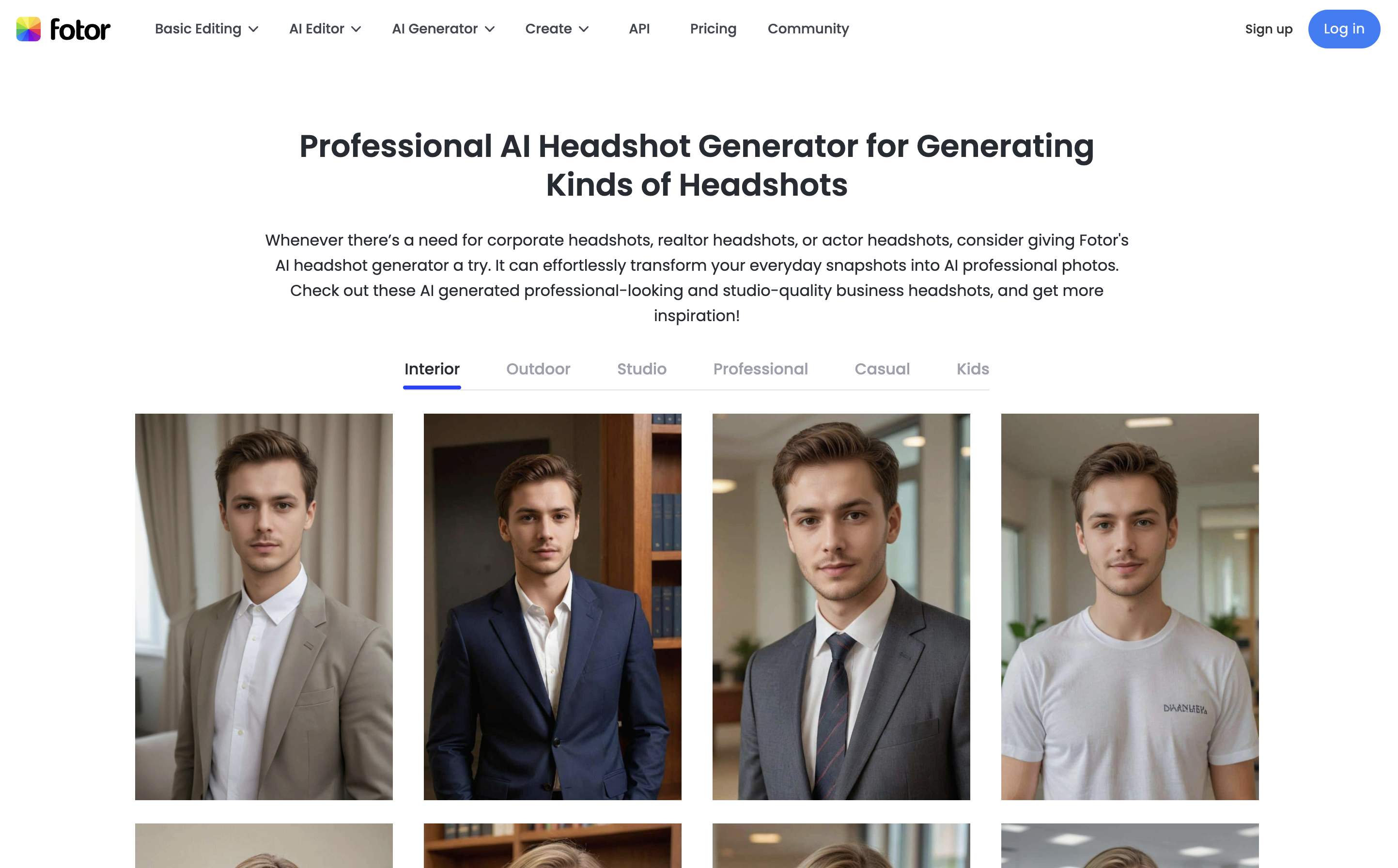
For LinkedIn, the goal is usually not “generate something wild.” It’s “look credible and professional in a small circular crop.” That’s where Fotor can be useful: you can take an existing photo and make it thumbnail-proofby cleaning up distractions, improving lighting/contrast, and making the background more neutral so your face is the focal point.
Fotor also includes AI headshot generation, but compared to the headshot-first tools on this list, it’s typically less consistent on the two LinkedIn-critical variables: identity fidelity (still looks unmistakably like you) and wardrobe realism (collars, lapels, and textures that look natural). If you’re relying on AI generation as your primary LinkedIn photo source, the specialized headshot tools tend to win.
Where Fotor makes the most sense is when you want an all-in-one editor anyway. If you’re already paying for a subscription, it can be a convenient way to quickly produce a “good enough” LinkedIn profile photo—especially for basic improvements like background simplification and light retouching.
Bottom line: Fotor is a solid pick if you want a broader editing suite and LinkedIn headshots are just one part of the workflow. But if LinkedIn is your primary goal and you need the most realistic headshot possible, a dedicated headshot generator will usually deliver a more consistently professional result.
Fotor Best Features
- General purpose image editor: background removal, colorize photos, etc.
- Simple ai headshot generation workflow
Fotor Pricing
- $3.99 per month subscription for 100 credits
- $8.33 per month subscription for 300 credits
7. Canva: Basic Photo Editing Using Existing Photo
Canva is best for LinkedIn if you already have a decent photo and you want topolish it into a cleaner, more professional profile picture—without using a dedicated AI headshot platform. Think of Canva as a “make this LinkedIn-ready” toolbox: background cleanup, light retouching, subtle enhancements, and easy cropping for a square image that will look good in LinkedIn’s circular profile frame.
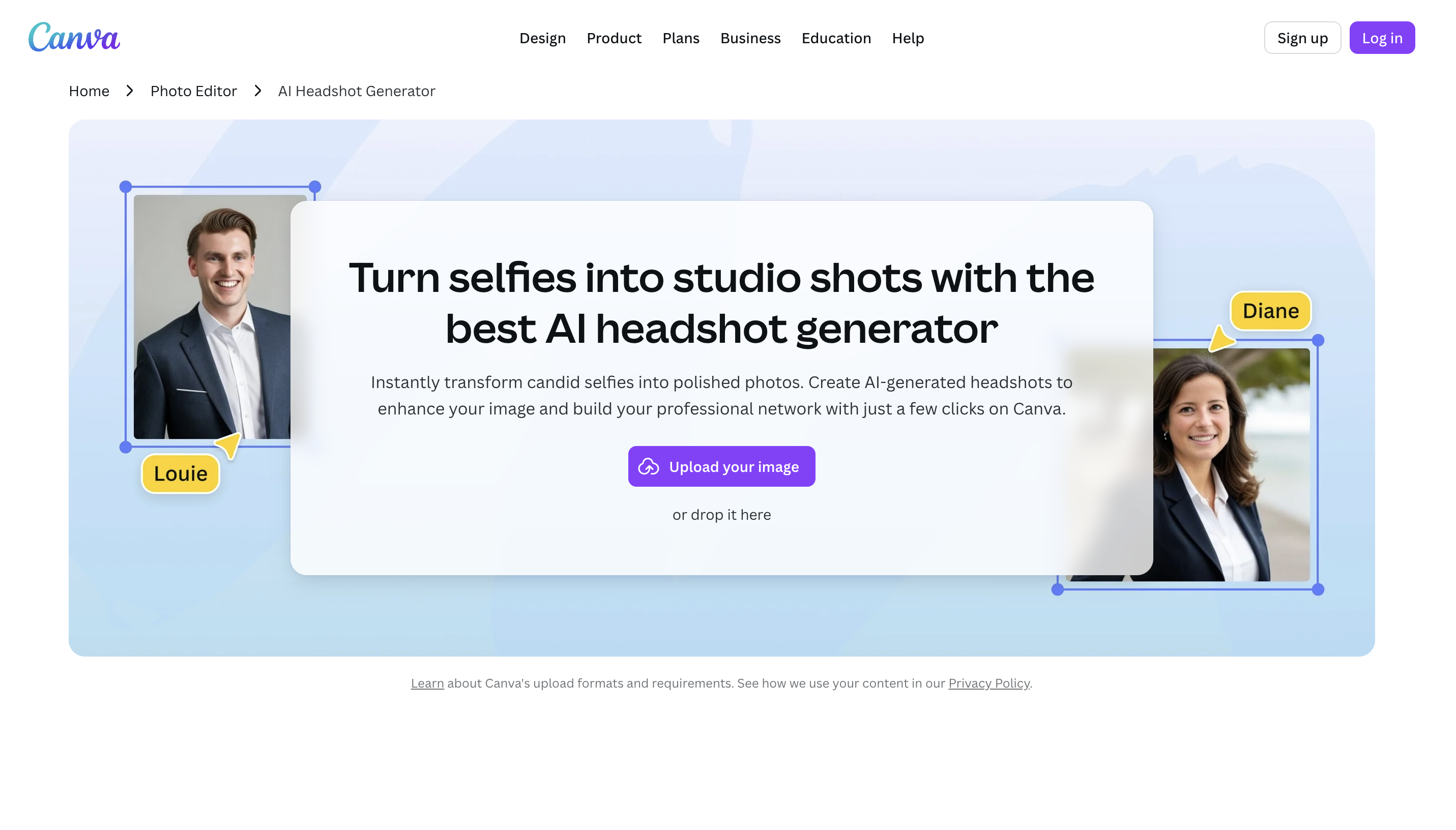
LinkedIn profile photos are judged tiny—next to your name in search, comments, and messages—so the goal is usually simple: your face should be clear, well-lit, and separated from a non-distracting background. Canva is great for that type of cleanup workflow. You can remove or simplify a background, improve contrast, and make the image feel more “studio-like” even if the original photo was taken casually.
Canva does offer AI headshot generation, but compared to headshot-first tools, it’s generally less consistent when you care about LinkedIn’s two biggest requirements: looking like you (identity fidelity) and looking naturally professional (wardrobe/hair edges/skin texture). If your primary goal is to generate a brand-new headshot from scratch, the specialized generators tend to produce more reliable “recruiter-safe” results.
Where Canva shines is convenience. If you already subscribe (or you use it for presentations, social assets, resumes, etc.), Canva makes it easy to create a square, upload-ready image and quickly iterate until the photo looks clean in a circular crop. It’s also handy if you want to reuse the same headshot across LinkedIn banners, resumes, and personal websites from one place.
Bottom line: Canva is a strong choice if you want to refine an existing photo into a LinkedIn-ready profile image and you value an all-in-one design tool. If you want the most realistic AI-generated headshots, choose a dedicated headshot generator instead.
Canva Best Features
- General image editing: background removal, color editing, shape swapping, etc.
- Basic ai headshot generation capabilities
Canva Pricing
- $15 per month for basic usage
- $30 per month for increased credits and features
8. AiSuitUp: Good Budget Alternative
AI SuitUp is a good LinkedIn option if you want a budget-friendly, corporate-safe headshot generator with a structured, no-prompt workflow. It’s built around the “virtual photoshoot” idea: upload selfies, pick a professional vibe, and get a batch of studio-style headshots back on a predictable timeline—ideal if you just need a clean LinkedIn profile photo without paying premium-tier prices.
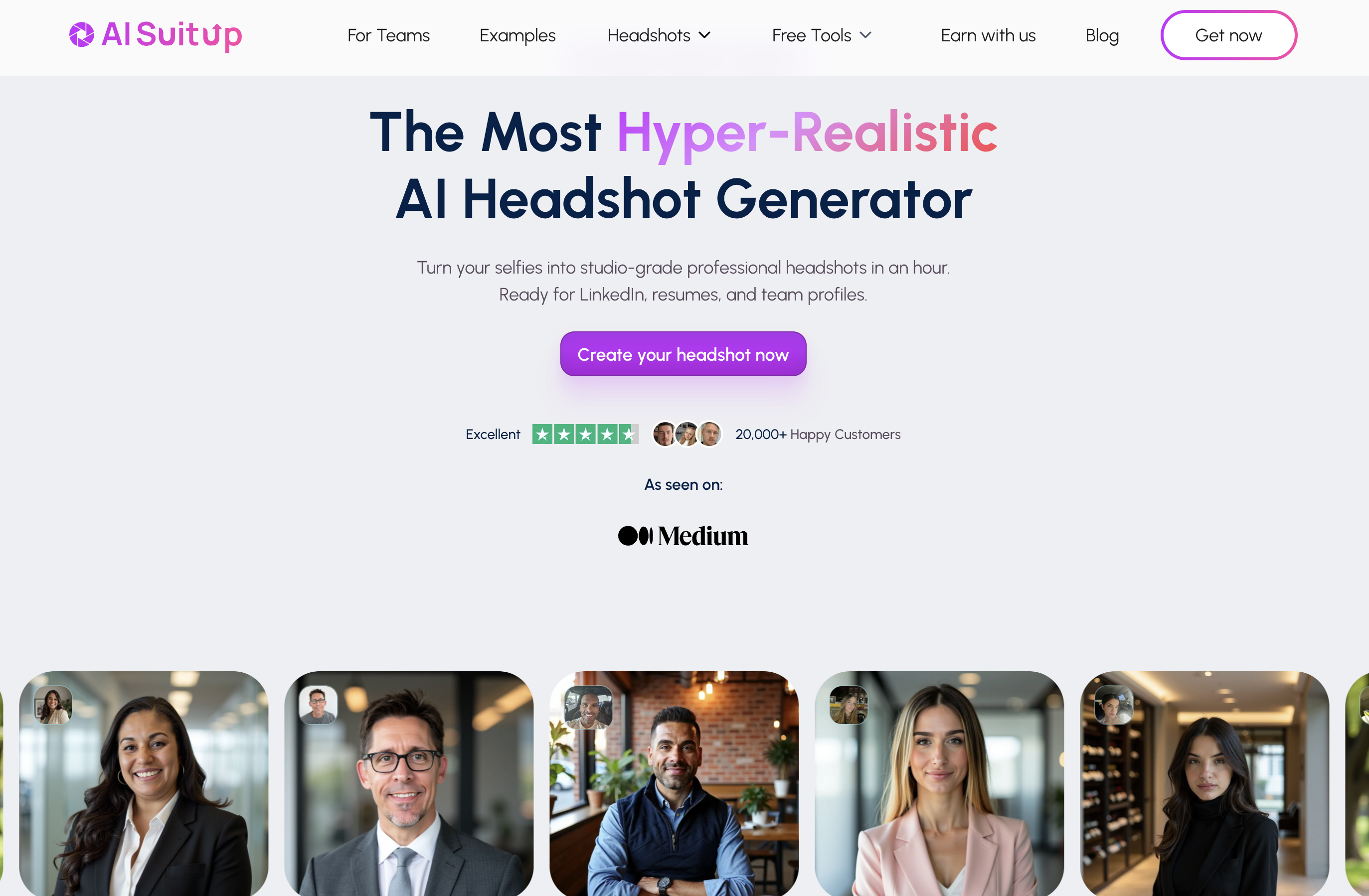
For LinkedIn, the biggest win with AI SuitUp is that it stays in a conservative lane. LinkedIn photos aren’t the place for heavy stylization— you want neutral backgrounds, realistic lighting, and wardrobe that looks normal in a recruiter’s quick scan. AI SuitUp is geared toward that professional baseline, which makes it easier to find something that looks appropriate for job searches, company bios, and team pages.
The workflow is structured (not prompt-driven), which helps reduce weird outcomes. You choose a package and get a large batch back within the stated turnaround window. That’s useful for LinkedIn because you don’t need a million looks—you need a handful of thumbnail-proof winners that still look clean when cropped into LinkedIn’s small circular profile frame.
Where it fits in the lineup is as a value alternative. If you want something more affordable than the premium tools but still aimed at “corporate headshot” results, AI SuitUp makes sense—especially for people updating their profile for a new role, recent grads, or anyone who wants a professional refresh without overthinking it.
Bottom line: if you want a practical, LinkedIn-ready headshot set at a lower price point and you like a guided workflow, AI SuitUp is a strong budget pick.
AI SuitUp Best Features
- Same-day turnaround times: between 3 and 6 hours
- Photorealistic results with great subject likeness
- Team/bulk workflow provides easy headshot generations for groups
AI SuitUp Pricing
- $27 for 50 headshots
- $37 for 100 headshots
- $57 for 150 headshots
What People Are Saying
Donna Vaglia said in a review: The result was awesome. There was an issue with my hair being too long, and when I provided that feedback, I received updated photos that addressed the problem.
9. TryItOnAI: Lots of Styles and Optional Human Polish
Try It On AI is a strong LinkedIn option if you want lots of professional style choices plus the ability to polish results afterward. It’s positioned like a “professional service” more than a toy app: you upload photos, pick from a large library of business-ready styles, and get headshots that are intended for resumes, LinkedIn profiles, and company pages—then optionally use edits (and even human help) to perfect your final pick.
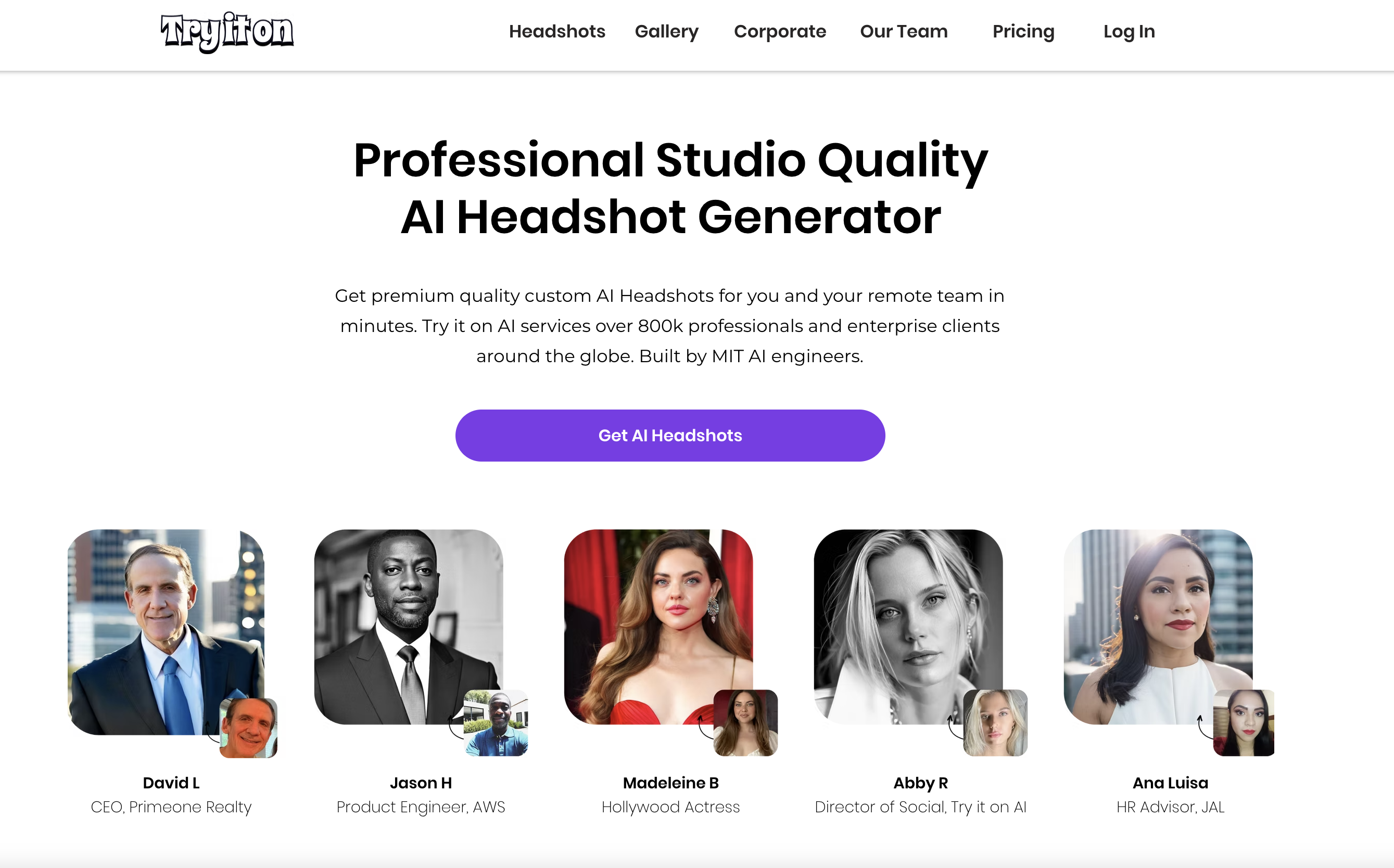
For LinkedIn, Try It On AI’s biggest advantage is variety with a professional bias. LinkedIn doesn’t need creative experimentation—you need one or two images that look credible in a recruiter’s quick scan. The style library makes it easier to match your industry: more traditional looks for finance/legal/sales leadership, and polished business-casual for tech/startups, without drifting into overly stylized “AI portrait” territory.
It also fits the reality of LinkedIn’s display format. Your profile photo is shown small and cropped into a circle, so you want clean head-and-shoulders framing, good separation from the background, and natural lighting that doesn’t look artificial at thumbnail size. Try It On AI tends to produce a broad enough set that you can select the most “thumbnail-proof” option.
The other LinkedIn-specific value is post-generation refinement. If you get a shot that’s almost perfect—great face, but the background feels off, or the outfit isn’t quite right—Try It On AI’s editing options (and access to human touch-ups on some plans) can help you turn a near-miss into a final image you’ll actually feel confident using as your primary photo.
Bottom line: if you want a LinkedIn-ready headshot with lots of styles and the option to “finish” your favorite with edits or human polish, Try It On AI is a strong choice.
Try It On AI Best Features
- AI editing functionality: touch up your photos after generation
- 100+ portrait styles: you are sure to find one that works for you
Try It On AI Pricing
- $35 for 20 headshots
- $49 for 50 headshots
- $61 for 100 headshots
What People Are Saying
Anna B said in a review: This was such an easy and quick way to obtain beautiful, yet extremely professional headshots for my work. A last minute request for my headshot came 13 days before Christmas, when all photographers are busy taking Holiday photos. Try It On was recommended by a close friend, who also used this service. Best recommendation ever!
10. PortraitPal: A Popular LinkedIn Headshot Solution
Portrait Pal is a good LinkedIn-focused choice if you want a simple, predictable headshot generator that stays firmly in “professional and realistic” territory. It’s built for people who don’t want creative experimentation—they want a corporate-ready profile photo that still looks like them, with straightforward one-time pricing and a low-friction upload flow.
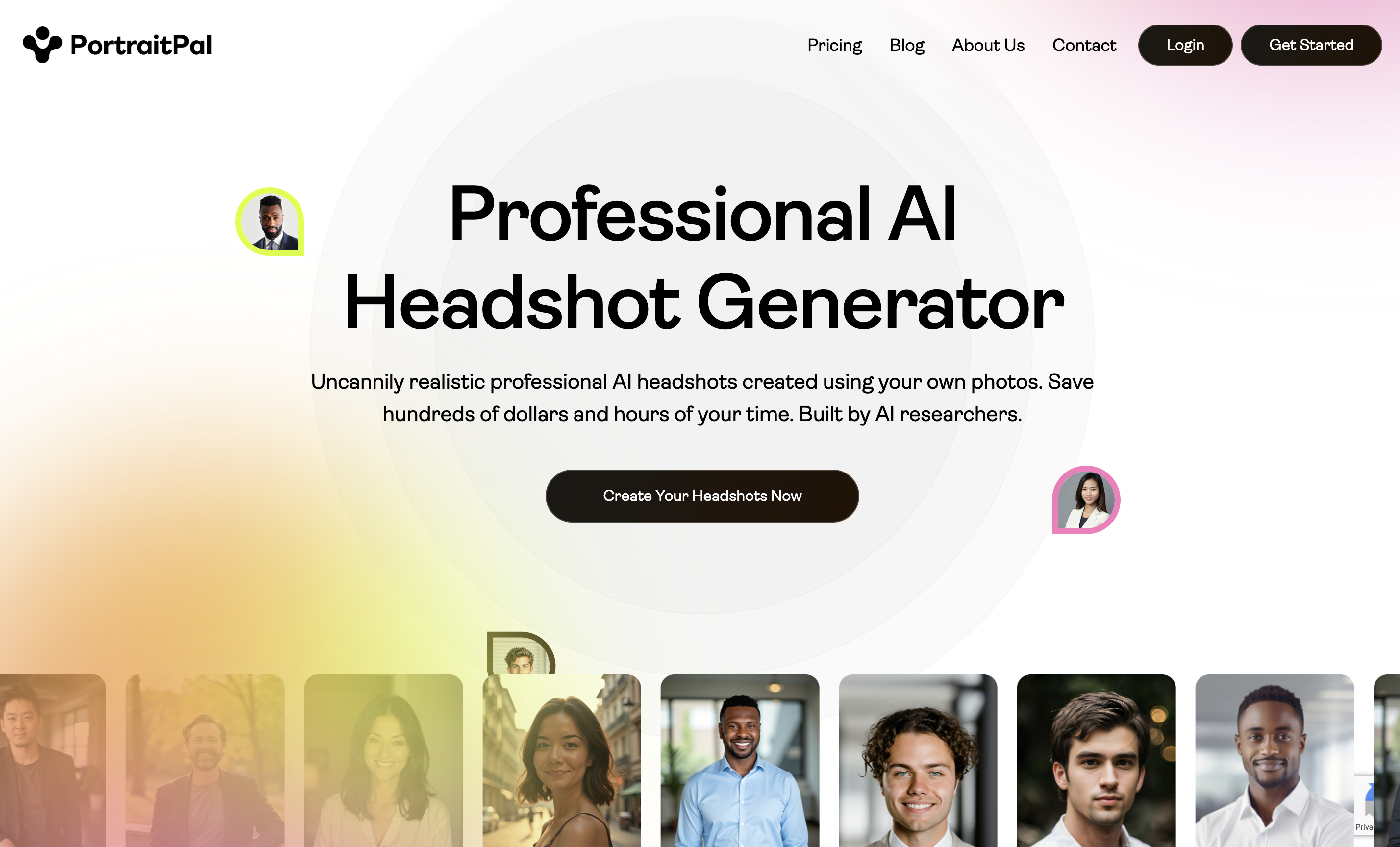
Portrait Pal works well for LinkedIn because it prioritizes the basics that matter most: clean lighting, business-friendly styling, and photorealism that doesn’t look like a stylized avatar. That’s exactly what you want when your photo is being judged as a tiny circle next to your name in LinkedIn search results, messages, and comments.
The workflow is straightforward: upload a set of clear selfies/candids from a few angles and lighting conditions, then get a batch back that’s designed for practical use cases like LinkedIn, resumes, and company bios. For LinkedIn specifically, you’ll usually get enough options to choose a “thumbnail-proof” winner—centered face, head-and-shoulders framing, and a neutral background that doesn’t distract.
Where Portrait Pal fits in this roundup is the “predictable professional” category. If you want something conservative and believable—and you don’t need heavy editing tools, team workflows, or tons of style experimentation— Portrait Pal can be a reliable way to get a LinkedIn-ready headshot without overthinking it.
Bottom line: if your goal is a clean, realistic LinkedIn profile photo with a simple workflow and clear one-time pricing, Portrait Pal is a strong option.
Portrait Pal Best Features
- Simple, low-friction workflow: upload your photos and that is it!
- Clear, one-time pricing tiers
- Good quality photorealism and subject likeness
Portrait Pal Pricing
- $35 for 20 headshots
- $45 for 60 headshots
- $75 for 100 headshots
What People Are Saying
James Grey said in a review: My go to - used their headshot package and helped me land new job interviews. Professional and looks natural!
What Makes a Great LinkedIn Profile Photo?
- Looks real at a glance: clean lighting, realistic skin texture, no “AI smoothing,” no odd glasses reflections, no warped collars.
- Circle-crop proof: head + shoulders framing, some padding above the head, and no important details near the edges (LinkedIn crops profile photos into a circle).
- Corporate-safe styling: neutral or lightly blurred background, natural expression, and wardrobe that matches your role (sales/finance/legal tends to want more traditional; tech can be business casual).
- Still looks like you: close enough that coworkers recognize you instantly and it doesn’t feel “too perfect.” LinkedIn explicitly expects your profile photo to reflect your likeness. (LinkedIn profile photo guidelines)
LinkedIn Profile Photo Requirements
Before you generate anything, make sure your final image will upload and display well on LinkedIn:
- File type: PNG or JPG
- Max file size: 8MB
- Recommended minimum: 400×400 (square), and LinkedIn supports much larger uploads too
- Tip: choose a photo that won’t require heavy cropping — LinkedIn recommends this for best results
Source: LinkedIn Help Center photo upload requirements.
Photo Packs AI is the Best AI LinkedIn Photo Generator for the Money
A LinkedIn profile photo is a tiny image that carries a ridiculous amount of weight. It shows up next to your name in search, messages, comments, and recruiter results — and people make a snap judgment before they read a single word on your profile.
That’s why LinkedIn headshots have different requirements than “AI portraits.” You want: realistic lighting, a clean background, role-appropriate wardrobe, and a result that still looks unmistakably like you. LinkedIn also expects your profile photo to reflect your likeness, so avoid outputs that feel like a different person.
On the practical side, keep your final image square and upload-friendly (PNG/JPG, under 8MB, and at least 400×400). And pick a head-and-shoulders frame that survives the circular crop.
If you want the fastest, simplest path to a LinkedIn-ready result at an affordable price, PhotoPacks.AI is built for exactly that — straightforward pricing, conservative professional styles, and results delivered quickly for job searches, team pages, and executive bios.